Check Step By Step Software Working Guide
working steps of MSG free viewer application.
How to Read MSG file? (6 Steps)
Click on any screenshot to view full resolution.
Free Download , Install & Launch the application
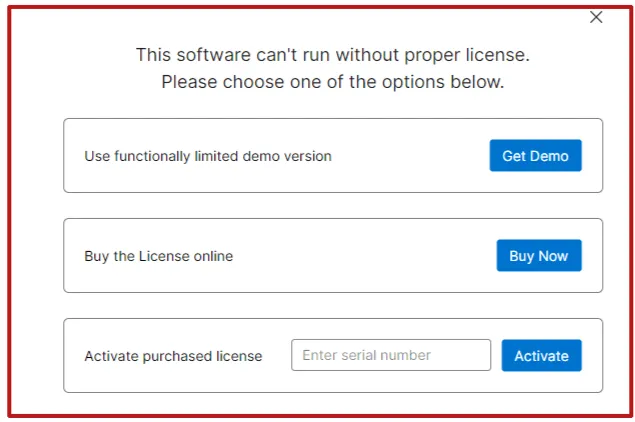
Free Download , Install & Launch the application. To view the MSG file, activate the free demo and browse MSG folder.
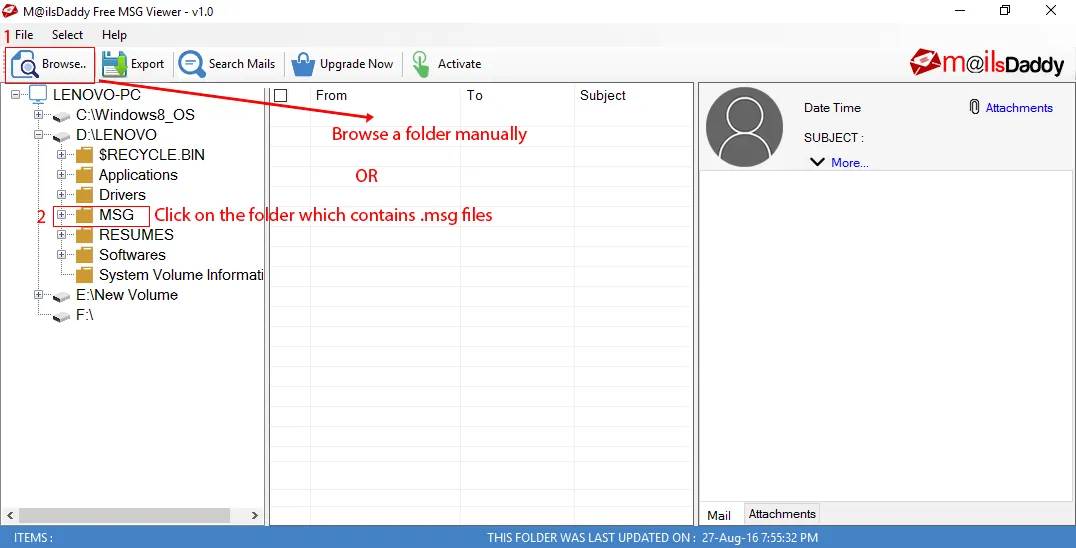
Click on add folder button to browse mailbox manually
Click on add folder button to browse mailbox manually. After loading the data , you can check the preview of particular email. d
Step 3: Complete Operation
When you activate a pro version of the solution then you can able to export bulk mailbox into various file format. Press Export button.
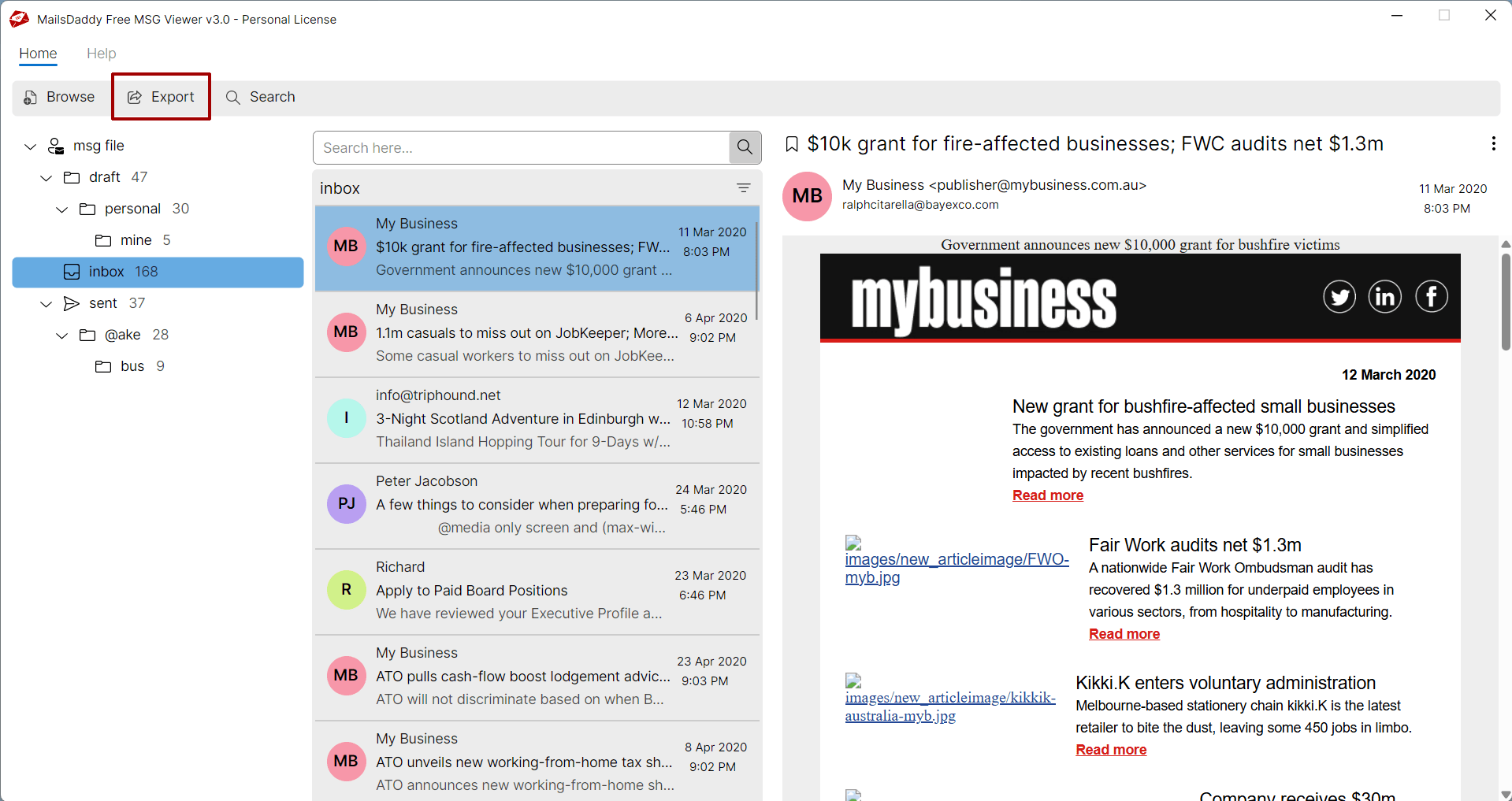
Choose all folders, select the desire mail format then save the destination.
Choose all folders, select the desire mail format then save the destination.
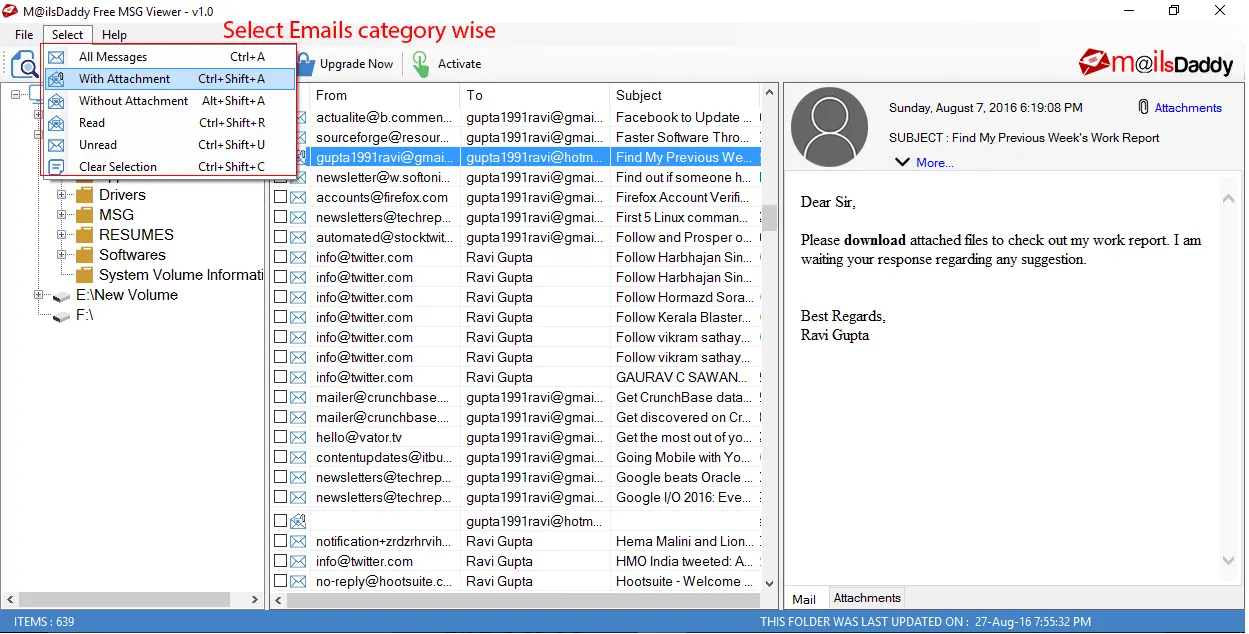
Click on Export button to start migration from EML to PST, EMLX, MSG and others.
Click on Export button to start migration from EML to PST, EMLX, MSG and others.
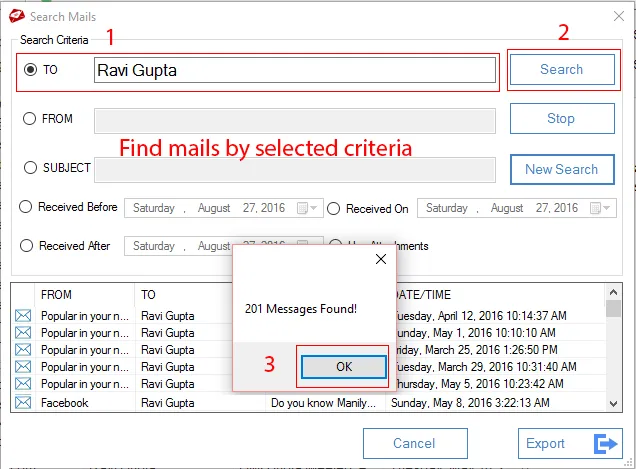
Once the migration is completed, press on OK button
Once the migration is completed, press on OK button. And open EML file into desire email client like Outlook. Note : Free MSg viewer does not allows exporting or saving messages. To enable these features, purchase pro edition of the software
Ready to Start with Free MSG Viewer?
Download the free trial version to preview all mailbox items or buy the full license for unlimited conversion.