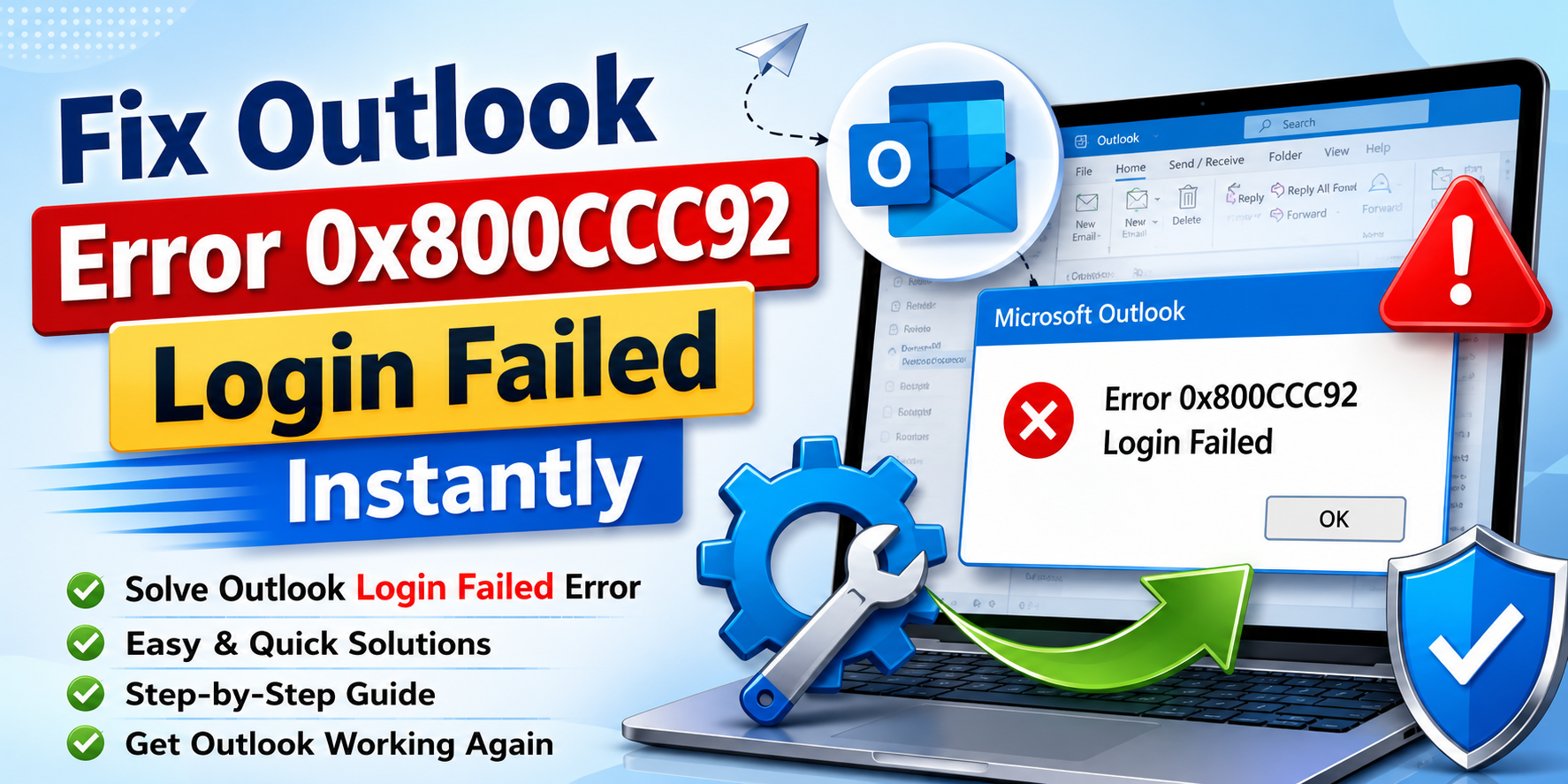
Microsoft Outlook is a trusted email client used by millions of individuals and organizations worldwide for managing emails, contacts, calendars, and business communications. Despite its reliability, users may sometimes face authentication-related issues that interrupt email synchronization. One of the most common problems is Outlook Error 0x800CCC92 – Login Failed Error.
This error typically occurs when Outlook is unable to verify your account credentials with the mail server. Incorrect usernames or passwords, outdated account settings, server authentication issues, corrupted Outlook profiles, or damaged mailbox files can all contribute to this problem.
In this guide, we will explore the primary causes of the 0x800CCC92 Login Failed Error, identify its common symptoms, and provide step-by-step solutions to help you restore access to your Outlook account and resume normal email communication.
Common Causes of Error 0x800CCC92
Several factors can trigger this Outlook login failure.
1. Incorrect Username or Password
2. Recent Password Change
3. Incorrect Incoming or Outgoing Server Settings
4. Multi-Factor Authentication (MFA)
5. Corrupted Outlook Profile
6. Antivirus or Firewall Interference
7. Corrupted PST or OST Files
How to Fix Outlook Error 0x800CCC92?
Method 1: Verify Login Credentials
Start by checking your email account credentials. For this:
- Log in to your email through webmail.
- Confirm that the username and password are correct.
- Update the same password in Outlook if changed recently.
After updating credentials, restart Outlook.
Read more: Outlook Error 0x800ccc0e
Method 2: Check Outlook Account Settings
Incorrect server settings frequently cause authentication failures. Follow these steps:
- Open your Outlook.
- Navigate to File → Account Settings.
- Select your email account.
- Click Change.
- Verify:
- Incoming and outgoing mail server
- Port numbers and SSL/TLS settings
Ensure all settings match those provided by your email provider.
Method 3: Enable Authentication for SMTP Server
Some email services require authentication for outgoing mail. Follow steps:
- Open Account Settings.
- Select More Settings.
- Go to the Outgoing Server tab.
- Enable: My outgoing server (SMTP) requires authentication
- Select: Use same settings as my incoming mail server
Save changes and restart Outlook.
Method 4: Generate an App Password
For accounts using:
- Gmail
- Office 365
- Yahoo Mail
Multi-Factor Authentication may block standard passwords.
Generate an app-specific password from your email provider and use it in Outlook.
Method 5: Create a New Outlook Profile
A corrupted Outlook profile can trigger login errors.
- Open Control Panel and select Mail.
- Click Show Profiles and choose Add.
- Create a new profile.
- Configure your email account.
- Set the new profile as default.
Launch Outlook again.
Method 6: Temporarily Disable Antivirus
Antivirus software may interfere with Outlook authentication.
- Disable email scanning temporarily.
- Restart Outlook.
- Test Send/Receive.
If Outlook works correctly, update or reconfigure the antivirus software.
Third Party Solution for Persistent Login Errors
If Outlook continues displaying the 0x800CCC92 Login Failed Error and the mailbox data file is damaged, a professional recovery solution may be necessary. MailsDaddy PST Repair Tool helps recover corrupted PST files without affecting mailbox content. The softwate perfectly recover emails, contacts, calendars, notes, and tasks. with the help of this solution users csn essily export large PST files. It is compatible with Outlook 2021, 2019, 2016, 2013, and earlier versions.
Frequently Asked Questions
1: What causes Outlook Error 0x800CCC92?
The error usually occurs because Outlook cannot authenticate with the email server due to incorrect credentials or server configuration.
2: Can changing my password trigger 0x800CCC92?
Yes. If Outlook still uses the old password, the mail server will reject the login attempt.
3: Does antivirus software cause Outlook login errors?
In some cases, email scanning features can block Outlook from communicating with the mail server.
4: Can corrupted PST files cause login failures?
Yes. Damaged PST files may affect synchronization and mailbox access, resulting in Outlook errors.
Read more: Outlook Error 0x80040154
Conclusion
The Outlook Error 0x800CCC92 – Login Failed Error is typically caused by incorrect credentials, authentication issues, invalid server settings, or damaged Outlook profiles. Most users can resolve the problem by verifying login information, updating server settings, creating a new Outlook profile, or repairing Office. If the issue stems from PST corruption, a professional solution such as MailsDaddy PST Repair Tool can help restore mailbox access and recover important Outlook data safely.

Somit Vishwakarma is a technology writer specializing in email management, data migration, Microsoft 365, Outlook, cloud technologies, & software solutions. His areas of expertise include email migration, data backup, recovery, and cloud data management. He also writes informative tutorials covering Python, programming, & emerging technology trends.