MailsDaddy Official Blog

Outlook Error

0x800CCC92

Fix Outlook Error 0x800CCC92 Login Failed Instantly

Microsoft Outlook is a trusted email client used by millions of individuals and organizations worldwide for managing emails, contacts, calendars, and business communications. Despite its reliability, users may sometimes face authentication-related issues that interrupt email synchronization. One of the most common problems is Outlook Error 0x800CCC92 – Login Failed Error. This error typically occurs when […]

Fix Outlook Error 0x800CCC92 Login Failed Instantly Read More »
0x80040154

0x80040154 Class Not Registered Error – Complete Fix

Microsoft Outlook users may occasionally encounter the 0x80040154 – Class Not Registered Error, which prevents Outlook from launching properly or causes issues while sending and receiving emails. This error is generally associated with damaged Outlook components, incorrect registry entries, corrupted profiles, or faulty Office installations. In this article, we will explain the causes of the

0x80040154 Class Not Registered Error – Complete Fix Read More »

How to Fix 0x80040600 – Unknown Error in Outlook Data File

User Query on MailsDaddy Chatbot “Hi MailsDaddy Team, I’m getting an error message in Outlook that says ‘0x80040600 – Unknown Error in Outlook Data File.’ Outlook is not working properly, and I cannot access some of my emails. Can you please suggest how to fix this issue?” If you’ve reached this page because you’re facing

How to Fix 0x80040600 – Unknown Error in Outlook Data File Read More »

Fix 0x8004010F – Outlook Data File Cannot Be Accessed Error in Outlook

Microsoft Outlook is one of the most demanding email sending and receiving applications for personal and business communication. Sometimes users encounter various bugs and errors that interrupt their workflow. One of the most common issues is the 0x8004010F Outlook Data File Cannot Be Accessed error. The Outlook error 0x8004010F: Outlook Data File Cannot Be Accessed

Fix 0x8004010F – Outlook Data File Cannot Be Accessed Error in Outlook Read More »

How to Fix Outlook Error 0x80042109 – Outlook Cannot Send Email

Microsoft Outlook is a widely used email clients for personal and business email communication. However, users sometime faces various send and receive errors that interrupt their workflow. One such issue is Outlook Error 0x80042109, which typically appears when Outlook is unable to send emails through the connected mail server. The complete error message often reads:

How to Fix Outlook Error 0x80042109 – Outlook Cannot Send Email Read More »

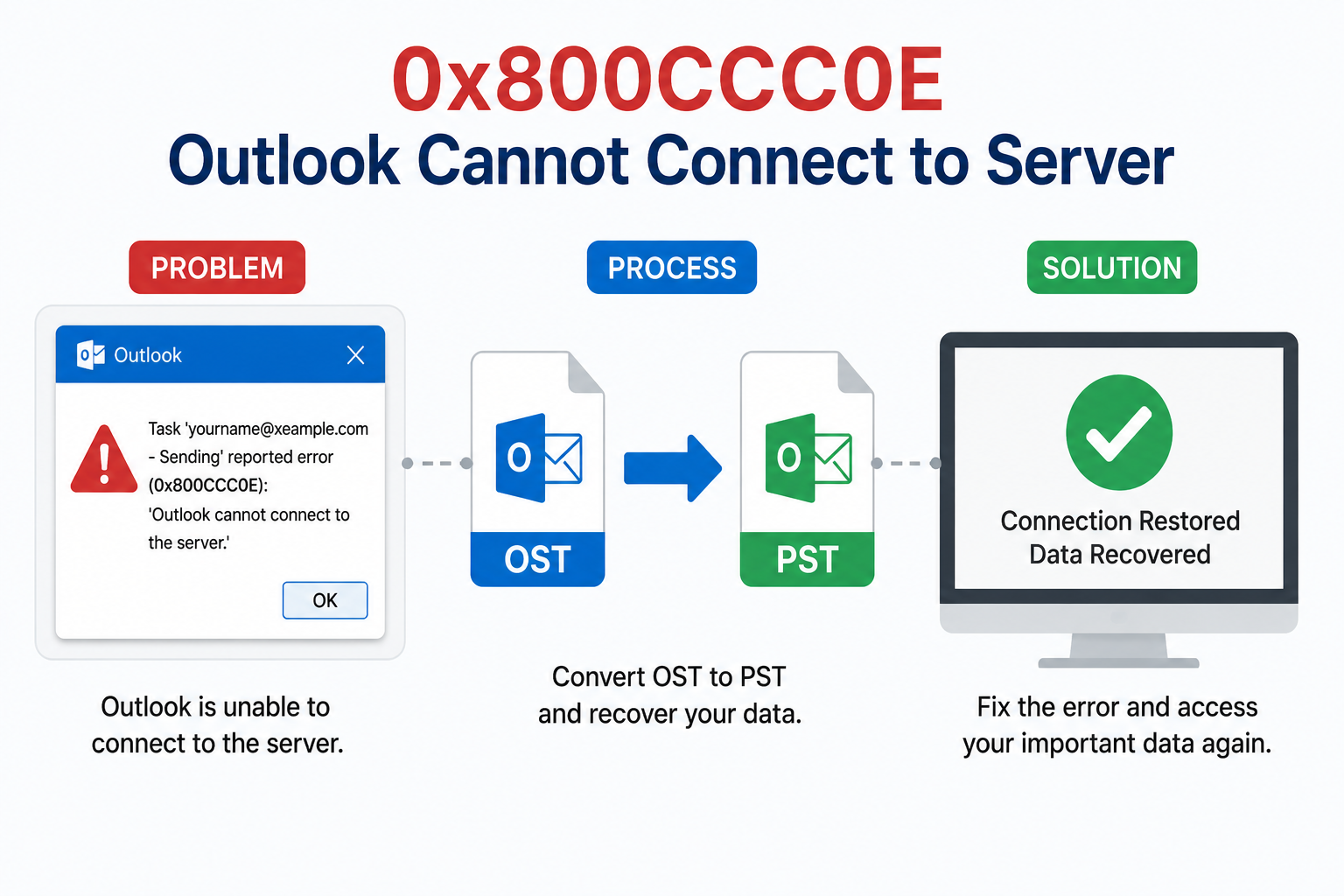
Resolve : ‘0x800CCC0E – Outlook Cannot Connect to Server’ Error

The 0x800CCC0E Outlook cannot connect to server error is one of the most common issues faced by Microsoft Outlook users when the application fails to connect to the mail server. This error can interrupt sending and receiving emails, affecting productivity and email communication. This article explains the causes of the 0x800CCC0E – Outlook cannot connect

Resolve : ‘0x800CCC0E – Outlook Cannot Connect to Server’ Error Read More »

outlook search slow

Best Practice to Resolve Outlook Search Slow Issues

Due to various features and functionality to manage emails and other tasks, Outlook is the most sought-after email client among business and enterprise users. Microsoft Outlook provides a search option using which the user can quickly filter and search for specific emails. However, sometimes, users face issues with the search function, such as Outlook search

Best Practice to Resolve Outlook Search Slow Issues Read More »

How to Find a Folder in Outlook If It Misplaced Mistakenly?

Outlook has been proven a significant advantage to many people, especially working professionals, who have to handle hundreds of emails every day. Outlook is a part of Microsoft Office suite, which allows its users to do many tasks simultaneously when on it. It includes applications like a calendar, notes, journal, browsing of the web, etc.

How to Find a Folder in Outlook If It Misplaced Mistakenly? Read More »

Scroll to Top