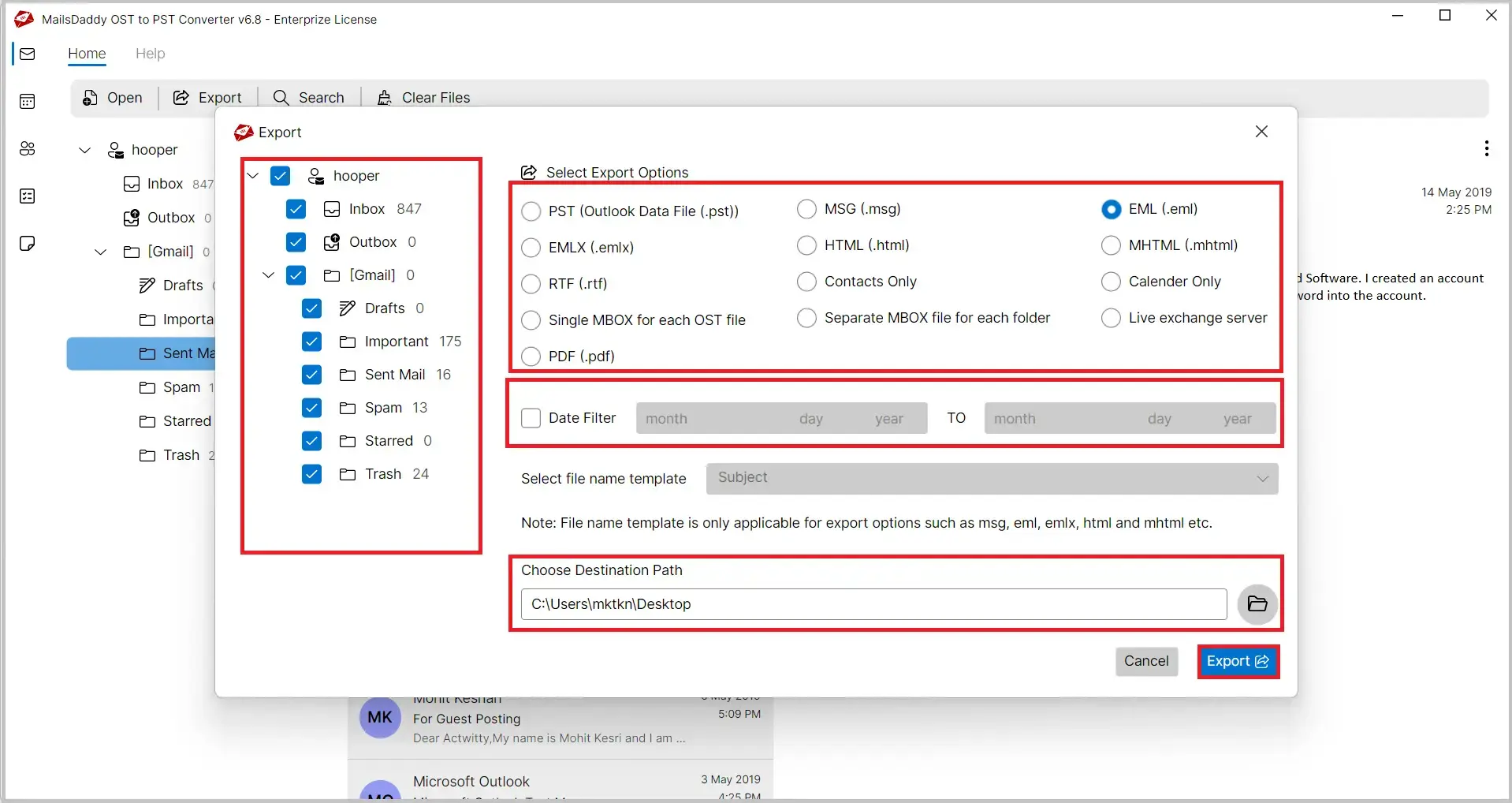
MailsDaddy OST to EML Converter is an efficient solution to convert Outlook OST files into EML format. The software exports emails from healthy, orphaned, inaccessible, and corrupted OST files while preserving folder hierarchy and email properties. The converted EML files can be easily accessed in popular email clients such as Thunderbird, Windows Live Mail, Apple Mail, eM Client, Outlook Express, SeaMonkey, Postbox, and many other EML-supported applications.
 See our Reviews on Trustpilot
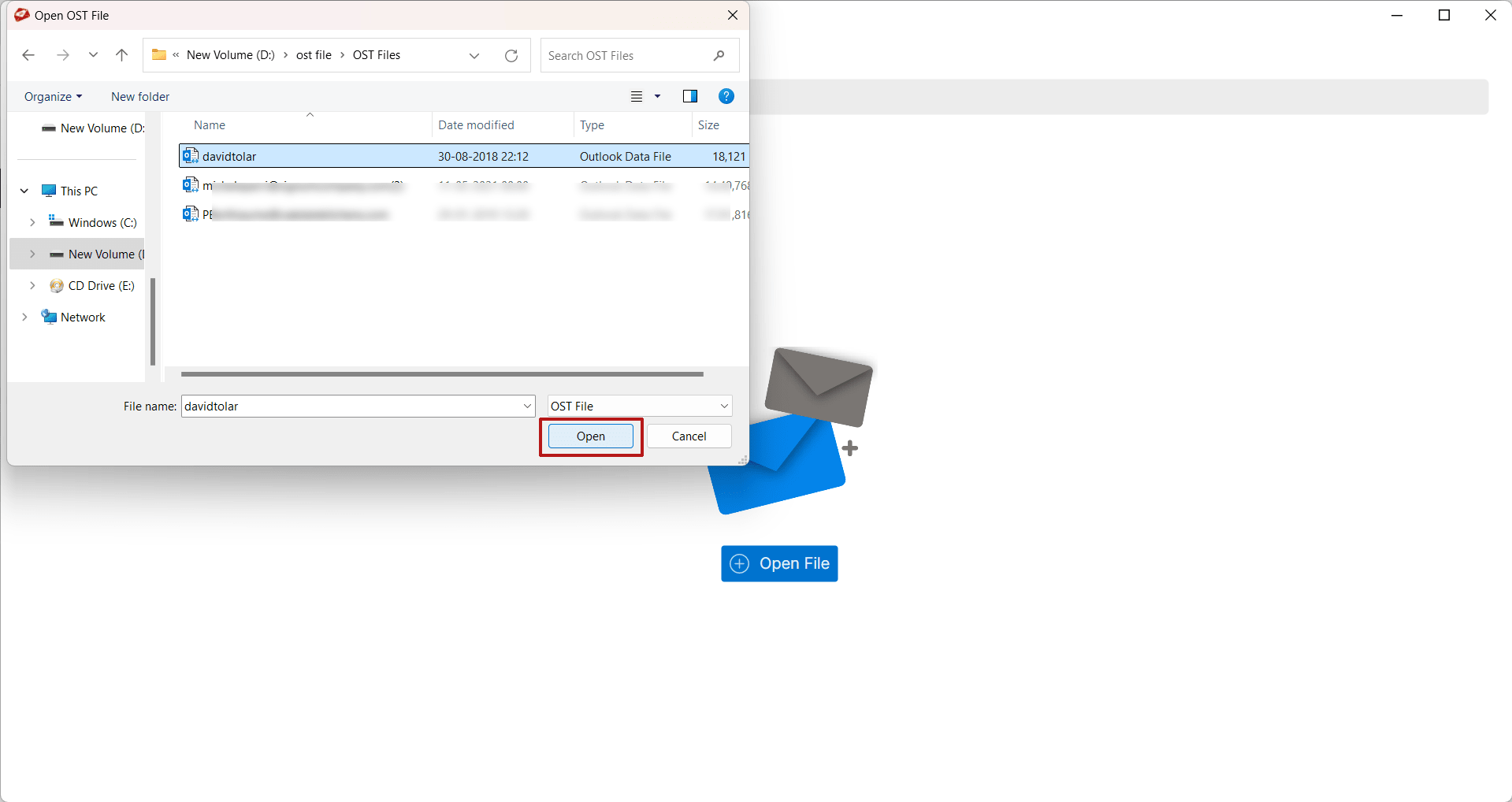
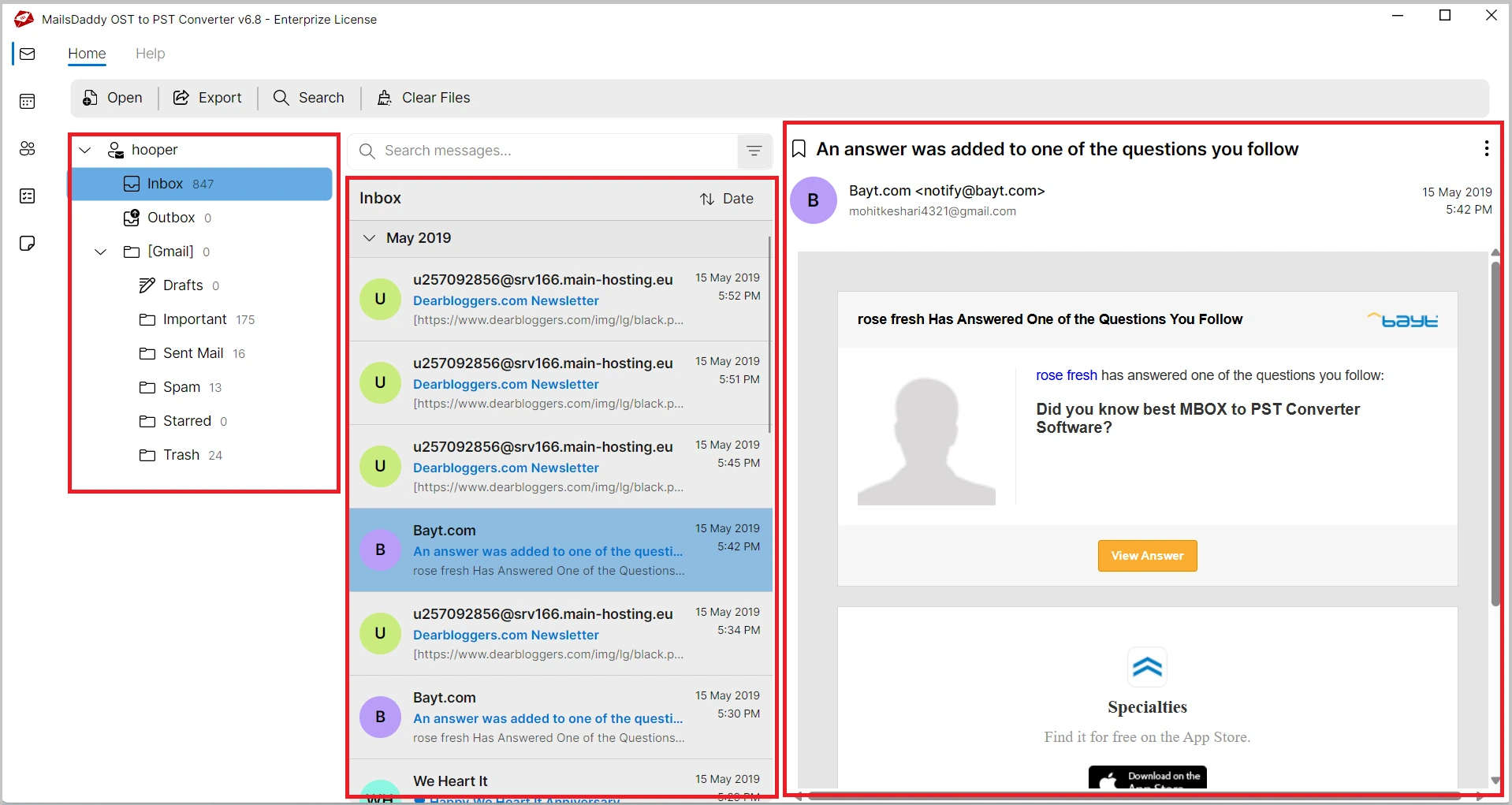
The OST to EML converter software allows users to easily browse and add Outlook OST files to the application. After adding the OST file, the software automatically scans it and displays all mailbox data in a structured manner.
This solution provides an advanced preview panel that allows users to perfectly open and view complete mailbox data before conversion. Users can view all emails, contacts, calendars, tasks, notes, journals, and attachments.
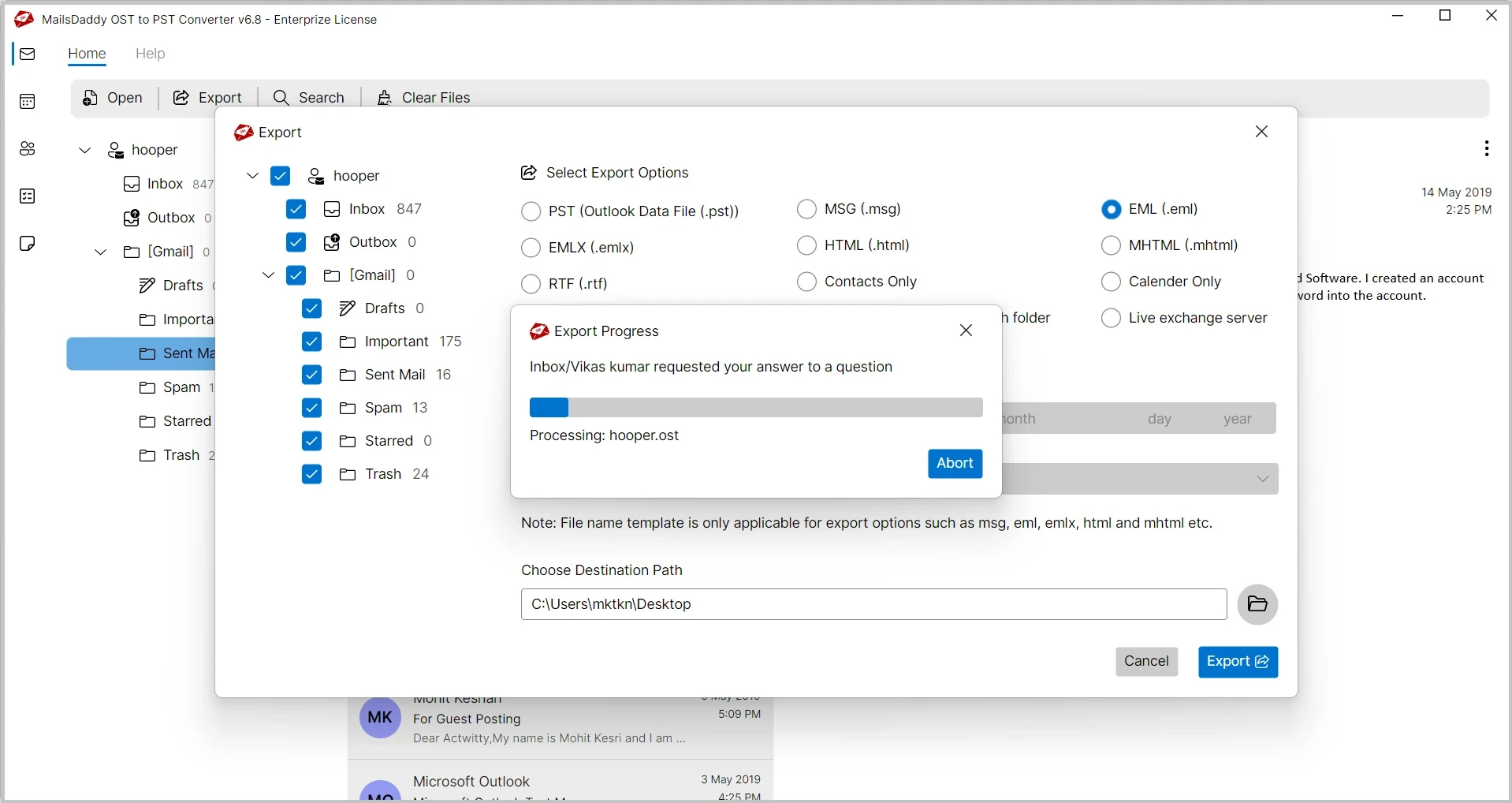
Using this tool users can easily perform bulk conversion of multiple OST files simultaneously. Users can add single or multiple OST files and convert them into EML format in one operation, saving valuable time and effort.
With th help of this OST to EML conversion solution users can easily fix all bugs of corrupted and inaccessible OST files. So these is no a bit of chances of data loss and users can eaisly cconvert OST to EML file format.
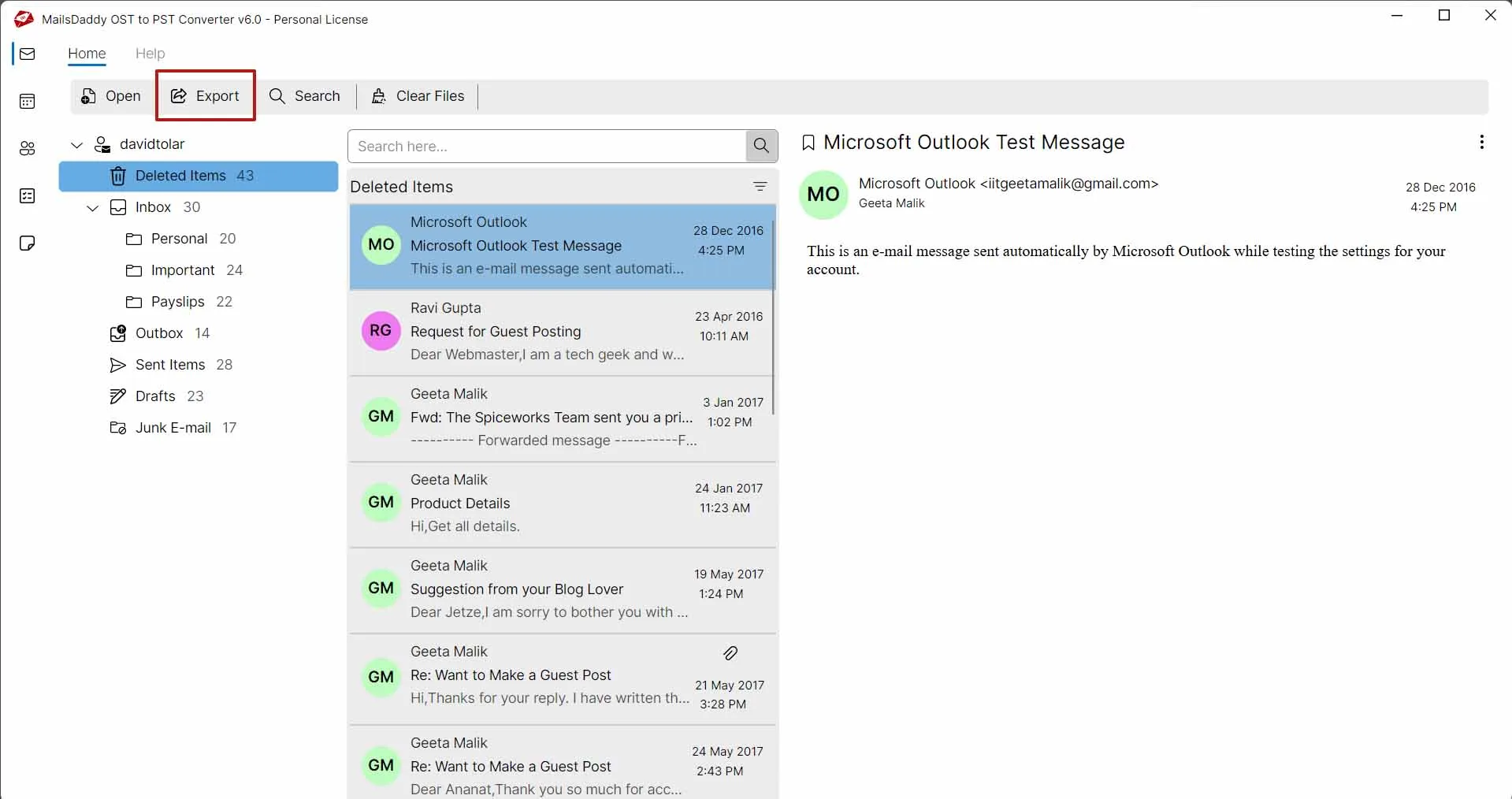
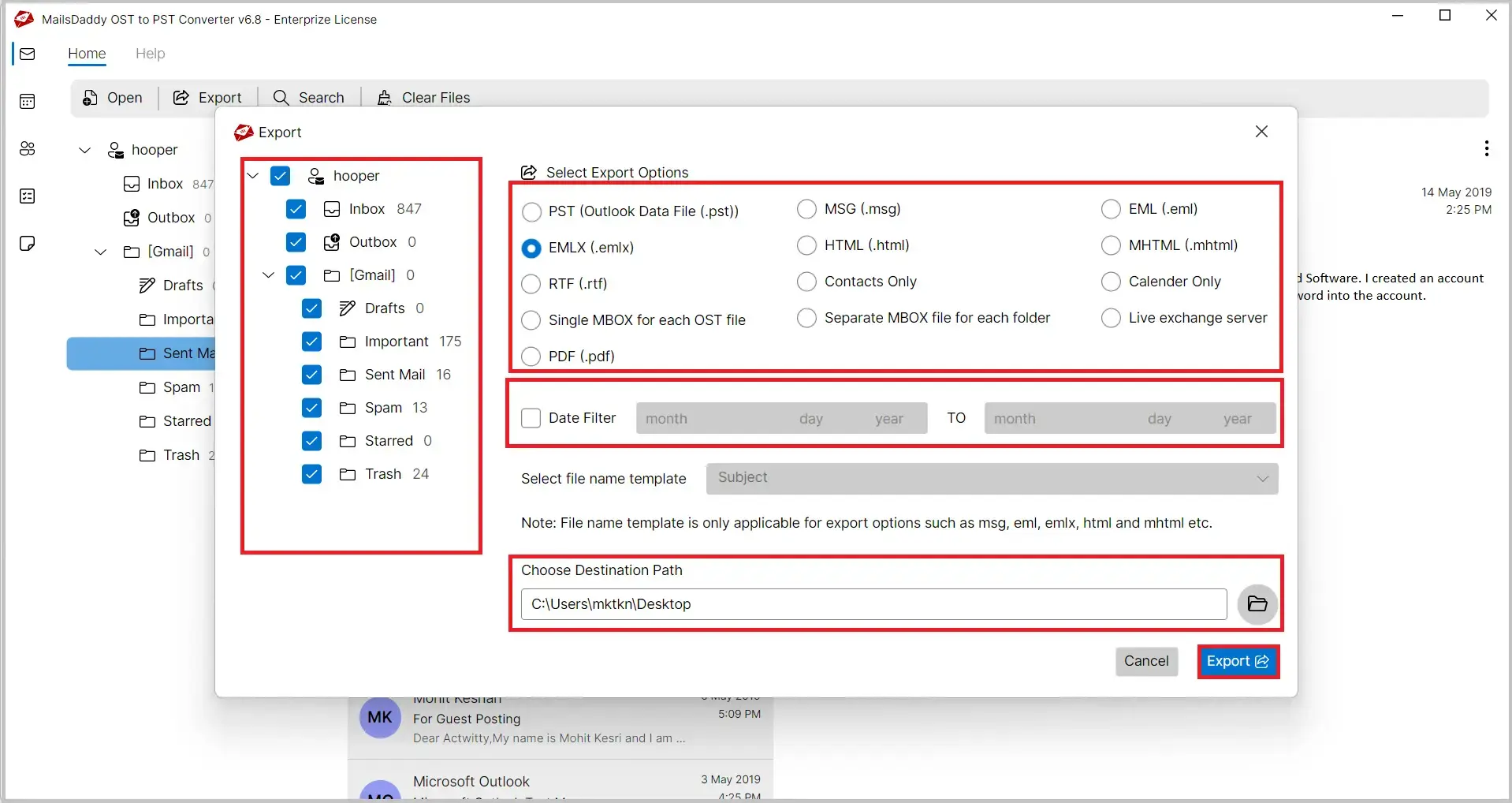
The software provides multiple export options, allowing users to convert OST files into PST, MSG, EMLX, MBOX, PDF, RTF, HTML, and Exchange Server formats. It also exports Outlook contacts to VCF and calendar entries to ICS format.
Users can selectively export specific mailbox folders and subfolders rather than converting the entire OST file. This feature minimizes storage usage and speeds up the conversion process, ensuring efficient and faster file migration.
The tool preserves the original folder structure throughout the OST to EML conversion process. All folders and subfolders remain organized exactly as they appear in Outlook.
MailsDaddy OST to EML Converter preserves email properties, attachments, and formatting, ensuring accurate conversion and maintaining the original appearance of emails.
There is no any restriction on OST file size. Users can easily convert small or large OST files into EML format without performance issues, ensuring smooth and reliable conversion.

After conversion, users can view a detailed report showing total processed emails, successfully converted emails, failed items, and conversion date and time for complete tracking.
Users can apply date filters to export emails from a specific time period. Simply set the start and end dates to convert selected OST emails to EML or EMLX format.
The software supports Windows 11, 10, 8.1, 8, 7, Vista, XP, and Windows Server editions, ensuring smooth operation in both 32-bit and 64-bit environments.
Email: - The software converts Outlook emails into EML format while preserving all email attributes including:
The software maintains original HTML formatting, text styles, folder hierarchy, and message structure throughout the conversion process.
Attachments: OST to EML Converter supports all email attachments and allows users to save them separately.
Supported attachment types include:
Folder - Outlook mailbox folders are an important part of email organization. Common folders include:
MailsDaddy OST to EML Converter exports emails from all OST mailbox folders to EML format while preserving the original folder structure. The software maintains the complete hierarchy throughout the conversion process, ensuring easy access to converted emails in their original organization.
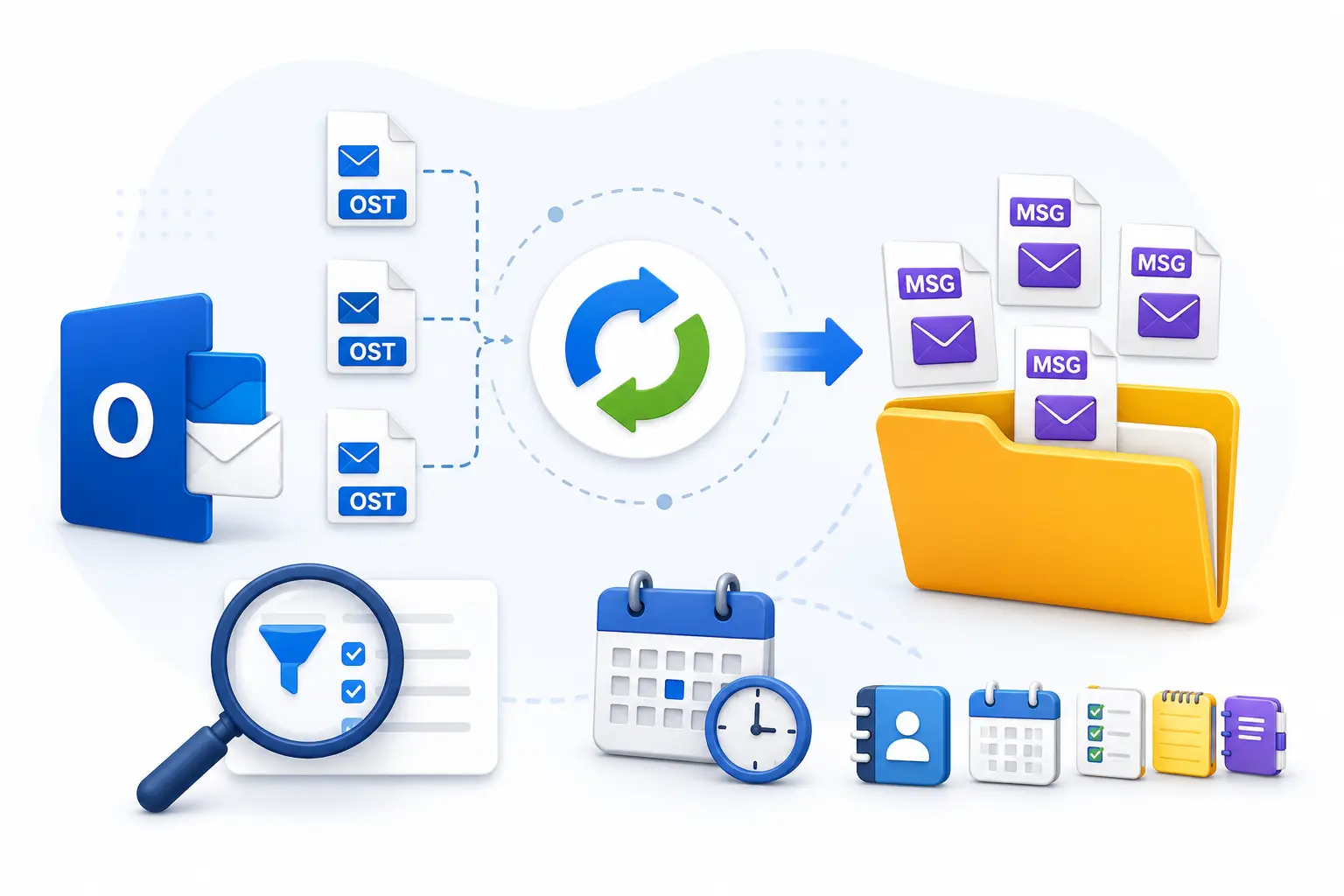
MailsDaddy OST to EML Converter provides a powerful selective conversion feature that allows users to export only the required mailbox data instead of converting the entire OST file. Whether you need specific emails, folders, contacts, calendars, tasks, journals, or notes, the software gives you complete control over the conversion process.
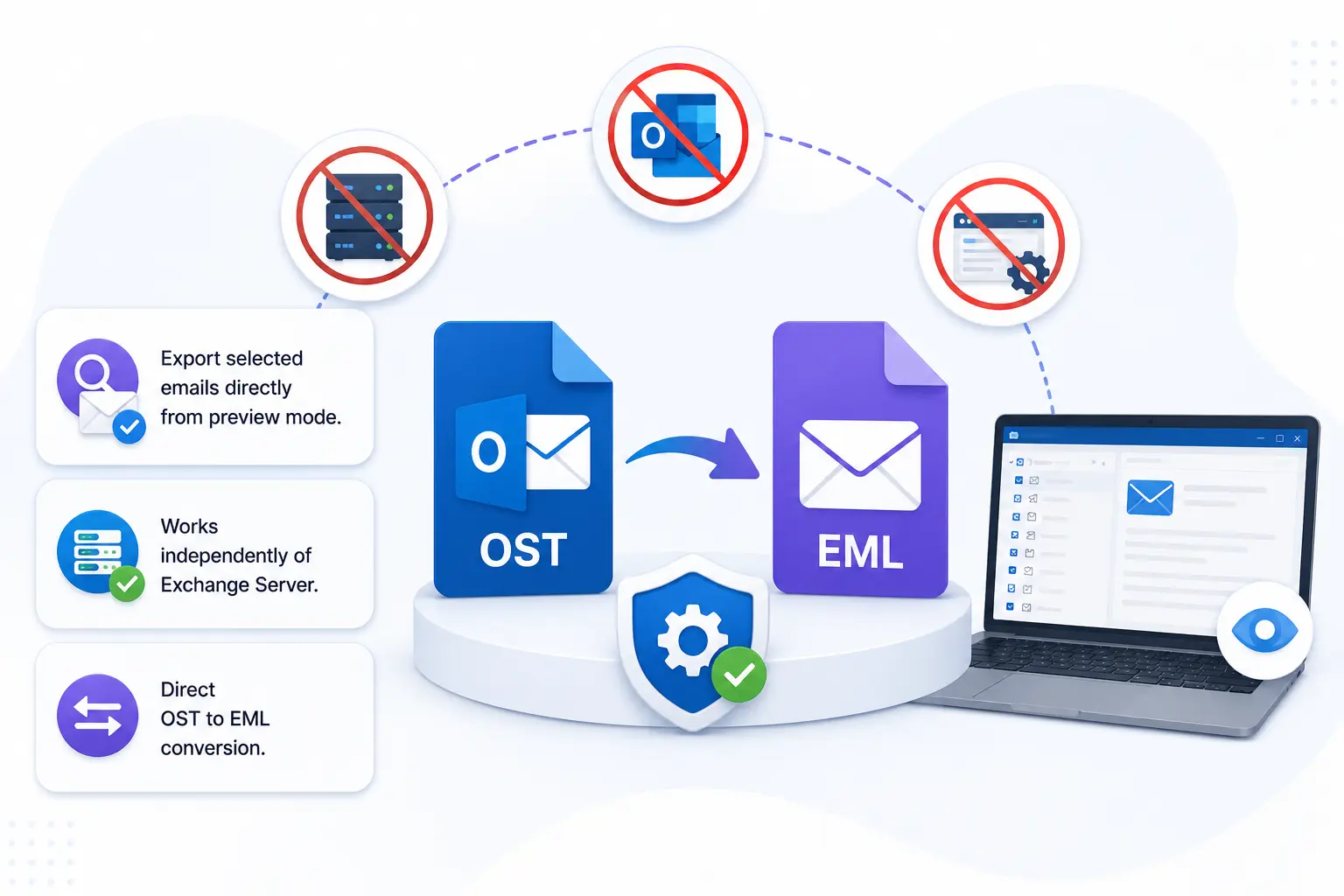
Unlike many traditional conversion methods, MailsDaddy OST to EML Converter works as a completely independent application. Users do not need Microsoft Outlook, Exchange Server, or any additional software installed on their systems to convert OST files into EML format. This standalone architecture makes the software highly convenient and accessible for all users.
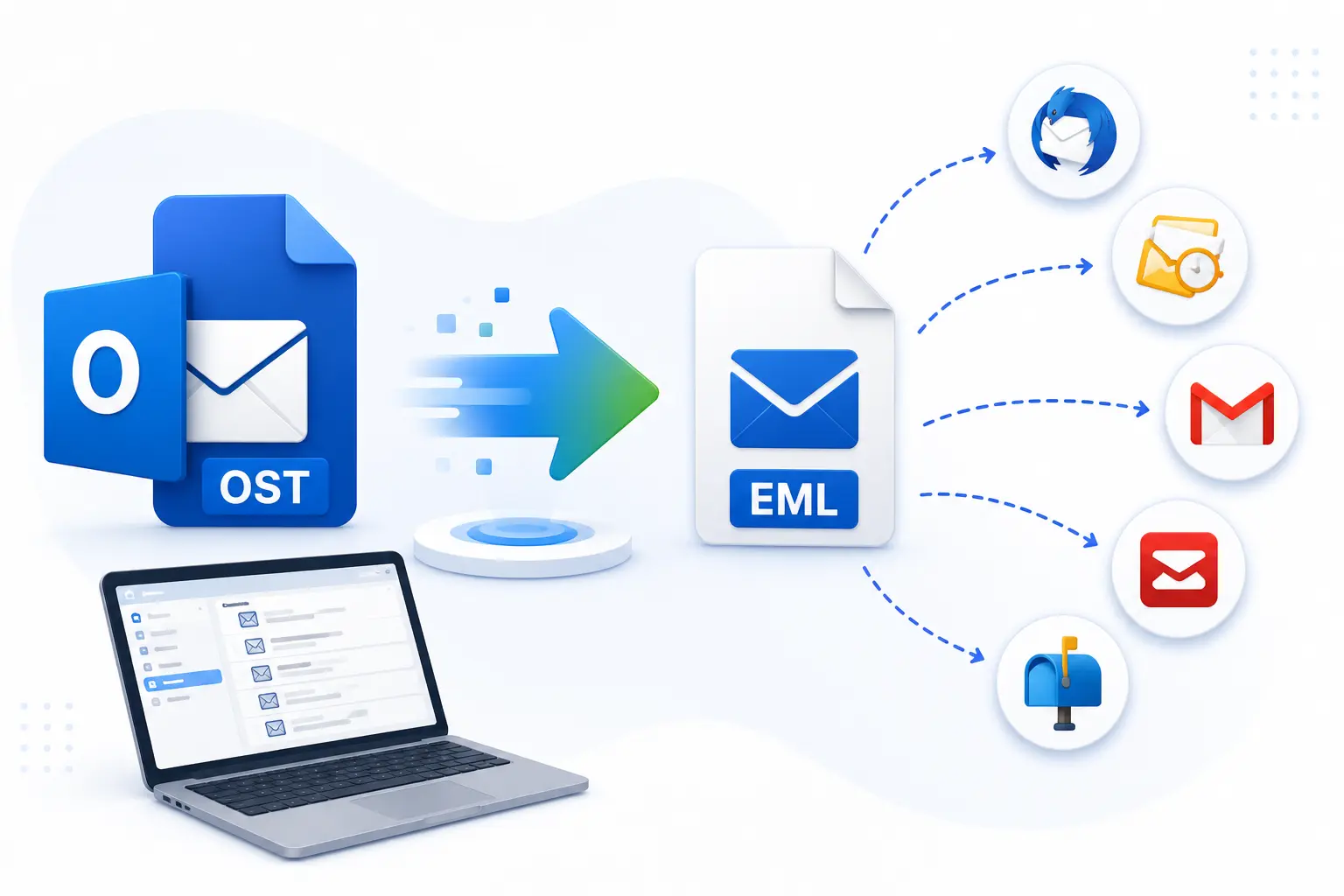
One of the most useful features of MailsDaddy OST to EML Converter is its ability to convert Outlook OST files into EML format that can be easily imported into various email applications. After conversion, users are not restricted to Microsoft Outlook and can access their mailbox data in multiple EML-supported email clients.
Data accuracy is a critical requirement during any email conversion process. MailsDaddy OST to EML Converter ensures that every email is converted with complete integrity while maintaining all original email properties. The software preserves To, From, Subject, CC, BCC, Date, Time, Internet Headers, Read/Unread Status, and Attachments throughout the conversion process.

MailsDaddy OST to EML File Converter software is a world-known solution to convert offline OST files to EML format. For its overall functionalities, our clients say many good words. Most of the users appreciate its working process and its advanced features. Please have a look -
Our organization recently migrated from Outlook to Thunderbird and needed a reliable solution to convert thousands of OST emails into EML format. MailsDaddy OST to EML Converter completed the conversion quickly and accurately while preserving folder hierarchy, attachments, and email properties. The software was easy to use and saved our IT team a significant amount of time.

I needed to move several large OST files to an EML-supported email client and was looking for a reliable solution. MailsDaddy OST to EML Converter handled the conversion flawlessly, preserving attachments, email properties, and folder hierarchy. The preview option helped verify mailbox data before conversion. The software was fast, easy to use, and made the entire migration process effortless.

We needed a dependable way to migrate OST mailbox data to an EML-supported email client. MailsDaddy OST to EML Converter preserved email formatting, attachments, and folder hierarchy perfectly. Its batch conversion feature processed multiple OST files efficiently, saving time and effort. The software delivered accurate results and proved to be an excellent OST to EML conversion solution.
Yes, The software supports orphaned OST files that are no longer connected to their original Exchange Server or Outlook profile. You can easily extract and convert mailbox data into EML format.
No, MailsDaddy OST to EML Converter is a standalone application that performs OST to EML conversion without requiring Microsoft Outlook or Exchange Server installation.
Yes, if deleted emails are available in the OST file folders, the software can preview and convert them to EML format along with other mailbox data.
Yes, the tool allows users to select individual folders like Inbox, Sent Items, Drafts, Deleted Items, Archive, or custom folders for conversion.
Yes, the software maintains various email attributes, including read/unread status, during the conversion process.
Yes, MailsDaddy OST to EML Converter is fully compatible with Windows 11, Windows 10, Windows 8.1, Windows 8, Windows 7, Vista, and XP.
Yes, MailsDaddy provides technical assistance through email and support channels to help users with installation, activation, and conversion-related queries.
Yes, the advanced search feature allows users to find emails based on Subject, Sender, Recipient, Date Range, CC, BCC, and attachment criteria.


At MailsDaddy, customer satisfaction is our highest priority. Our technical support team is available to assist users during installation, activation, and conversion processes. Whether you have a technical query or need guidance regarding OST to EML conversion, our experts are ready to help.