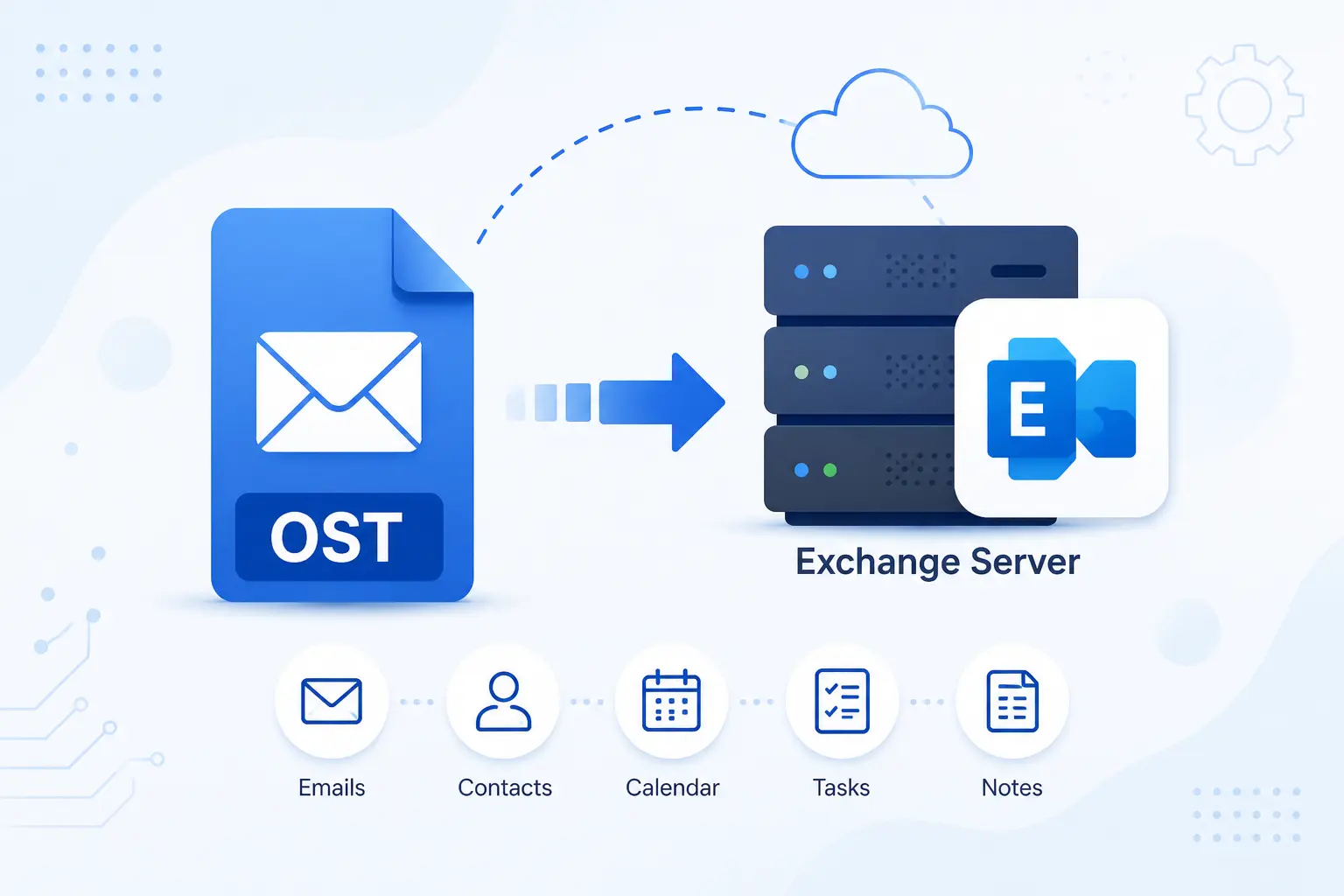
The MailsDaddy OST to Exchange Server Migration Tool is a perfect solution designed to import OST to Exchange Server with complete data security. The software is compatible to upload corrupted and inaccessible OST file mailbox data directly into Microsoft Exchange Server while maintaining complete mailbox integrity. Whether you're migrating a single or hundreds of OST files, the software delivers a fast and reliable OST to Exchange migration experience.
 See our Reviews on Trustpilot
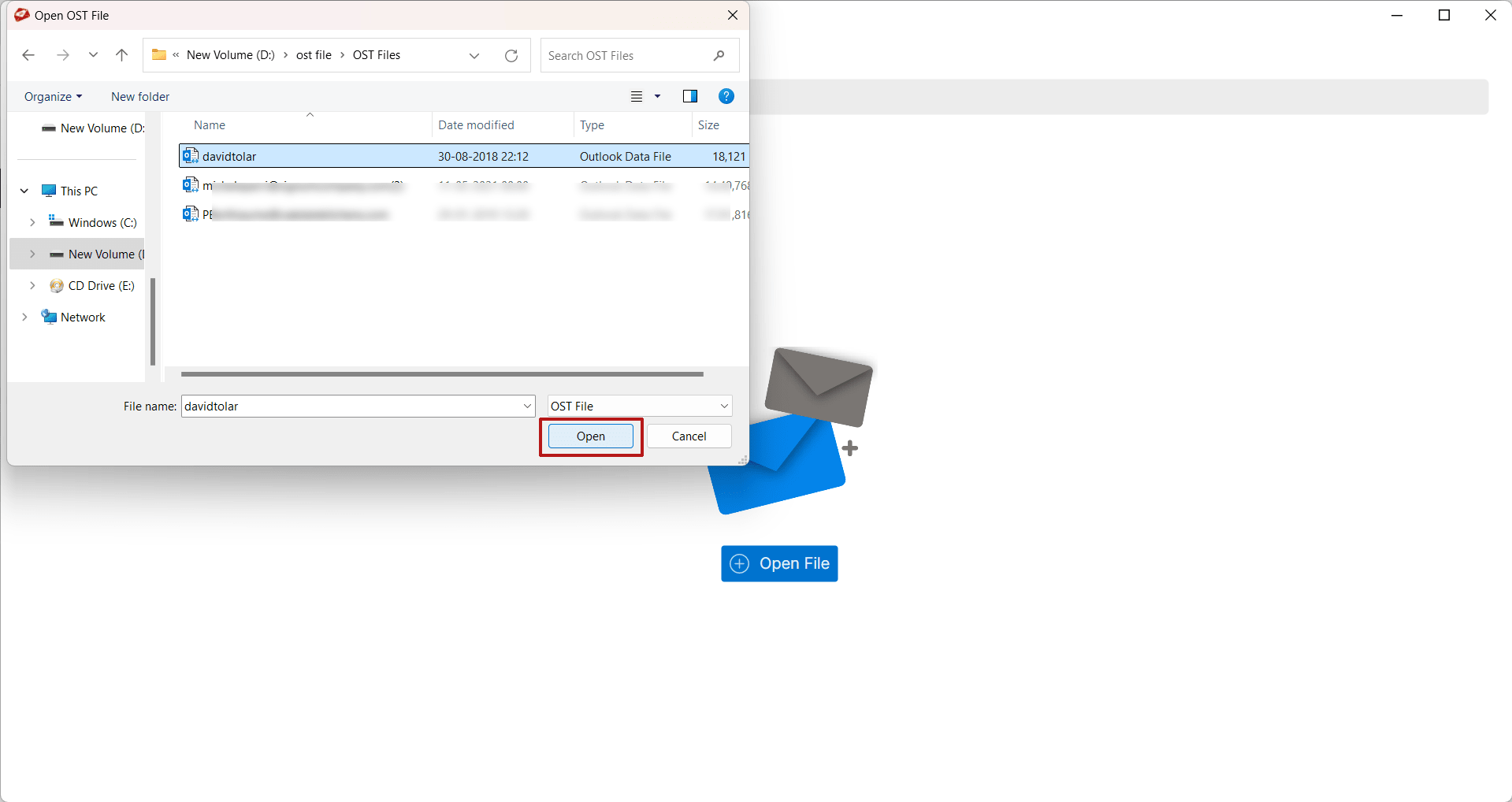
The software allows users to add one or multiple OST files for migration. Once selected, it performs a complete scan to detect mailbox items and prepares them for migration. It supports healthy, inaccessible, orphaned, and offline OST files while maintaining complete mailbox accuracy.
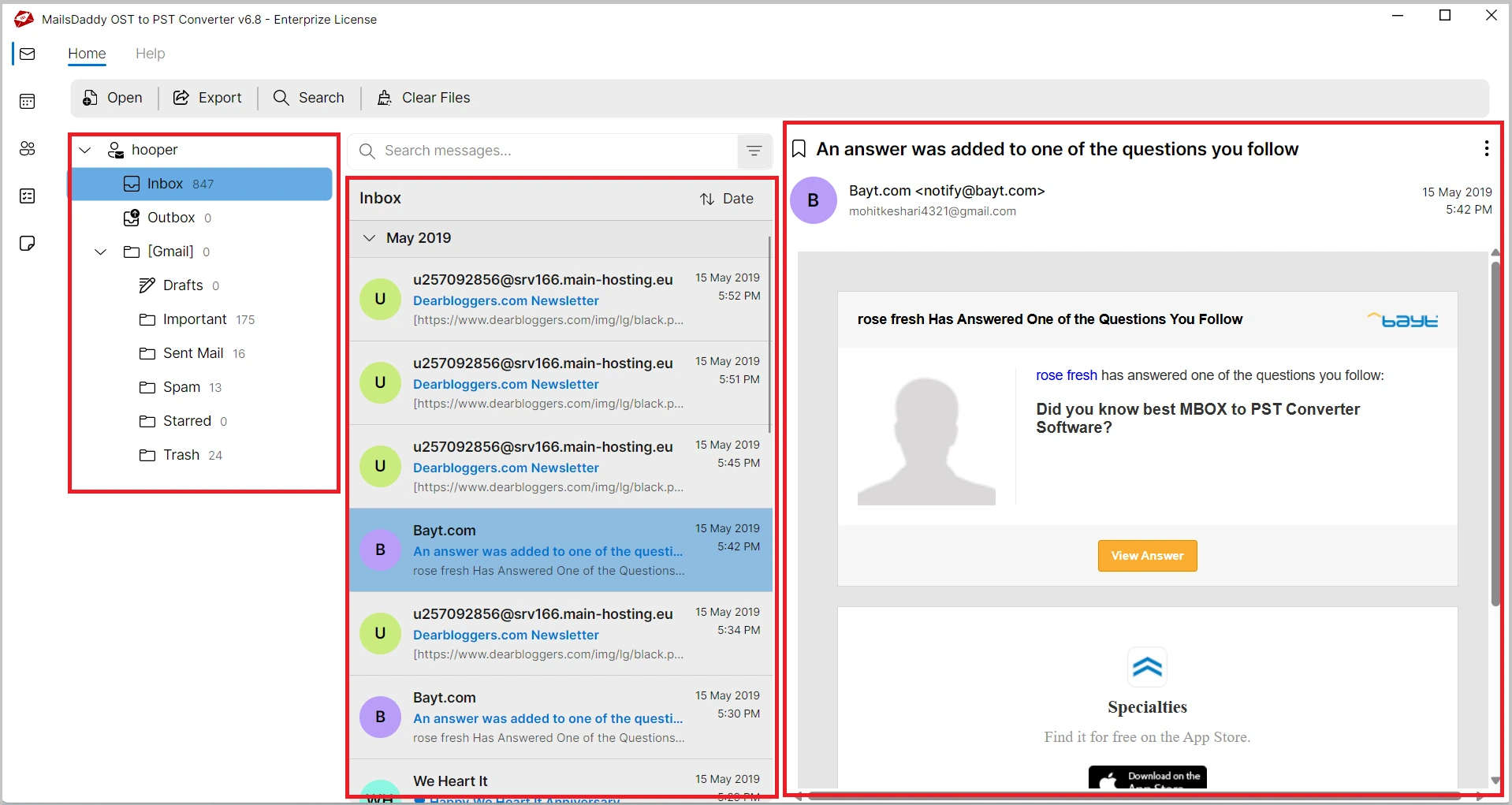
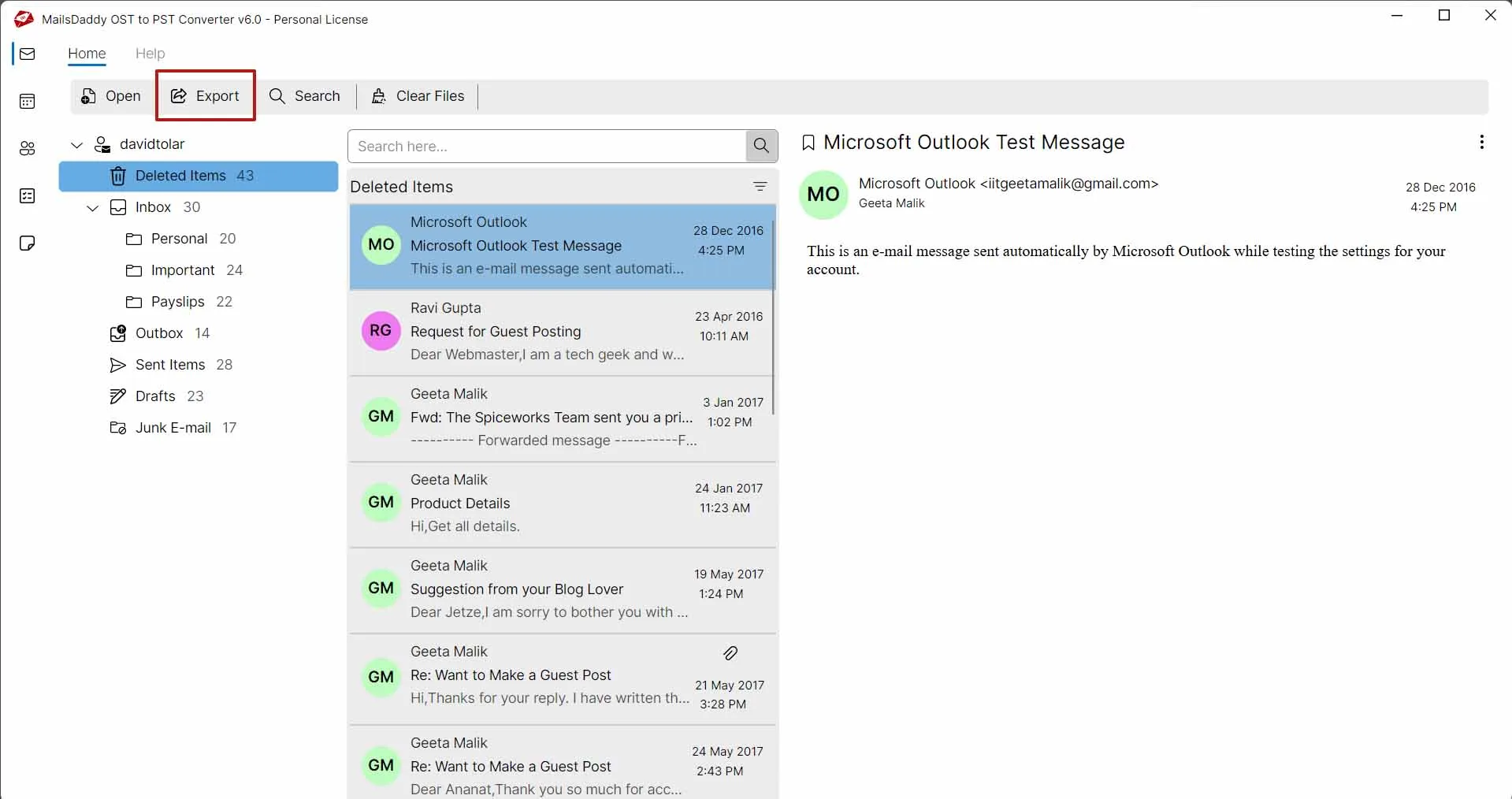
Before starting the migration process, users can preview every mailbox item stored inside the OST file. The preview section displays emails, contacts, calendars, journals, notes, tasks, and attachments. This feature helps verify mailbox content before importing it into Exchange Server.
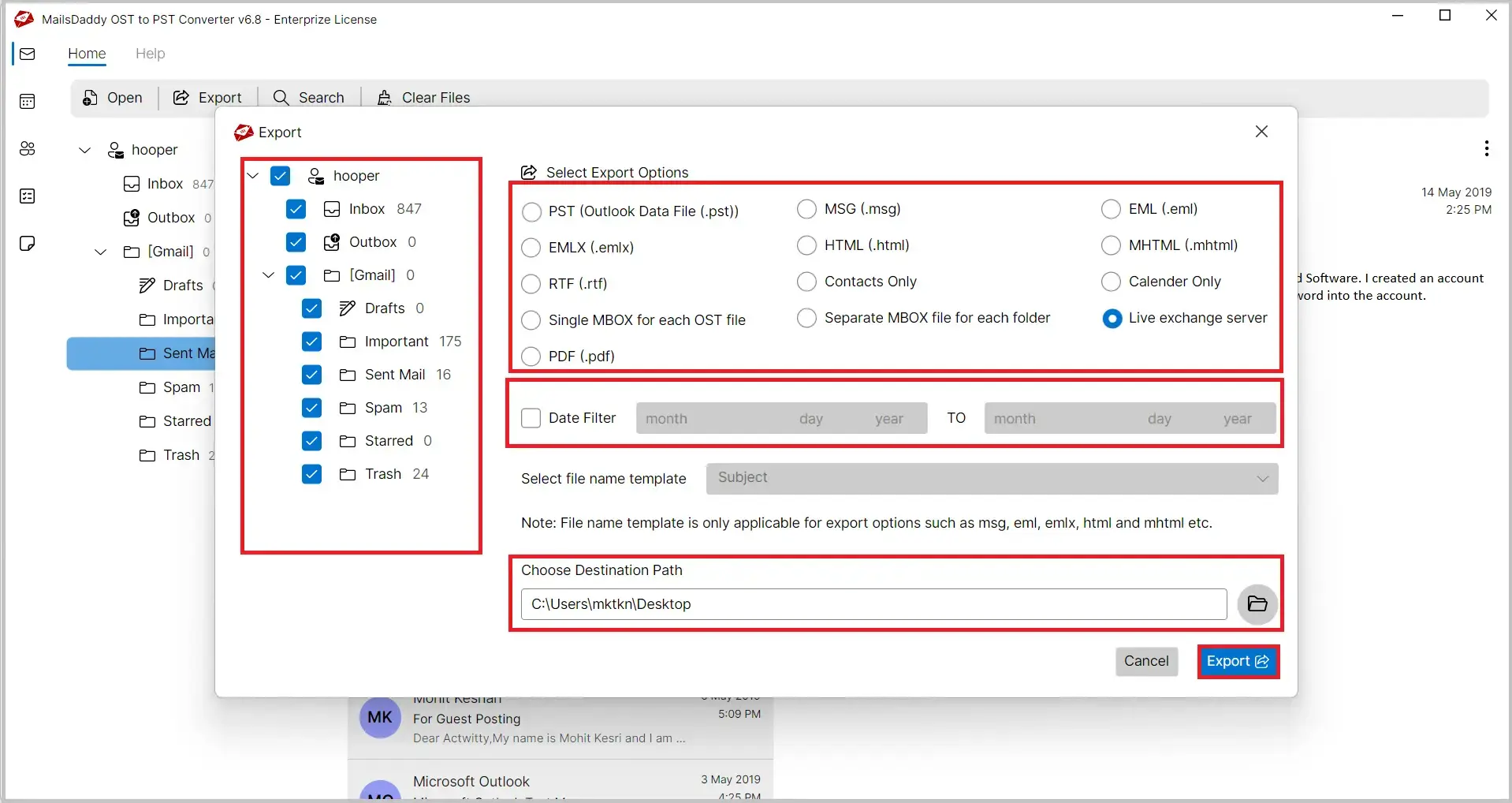
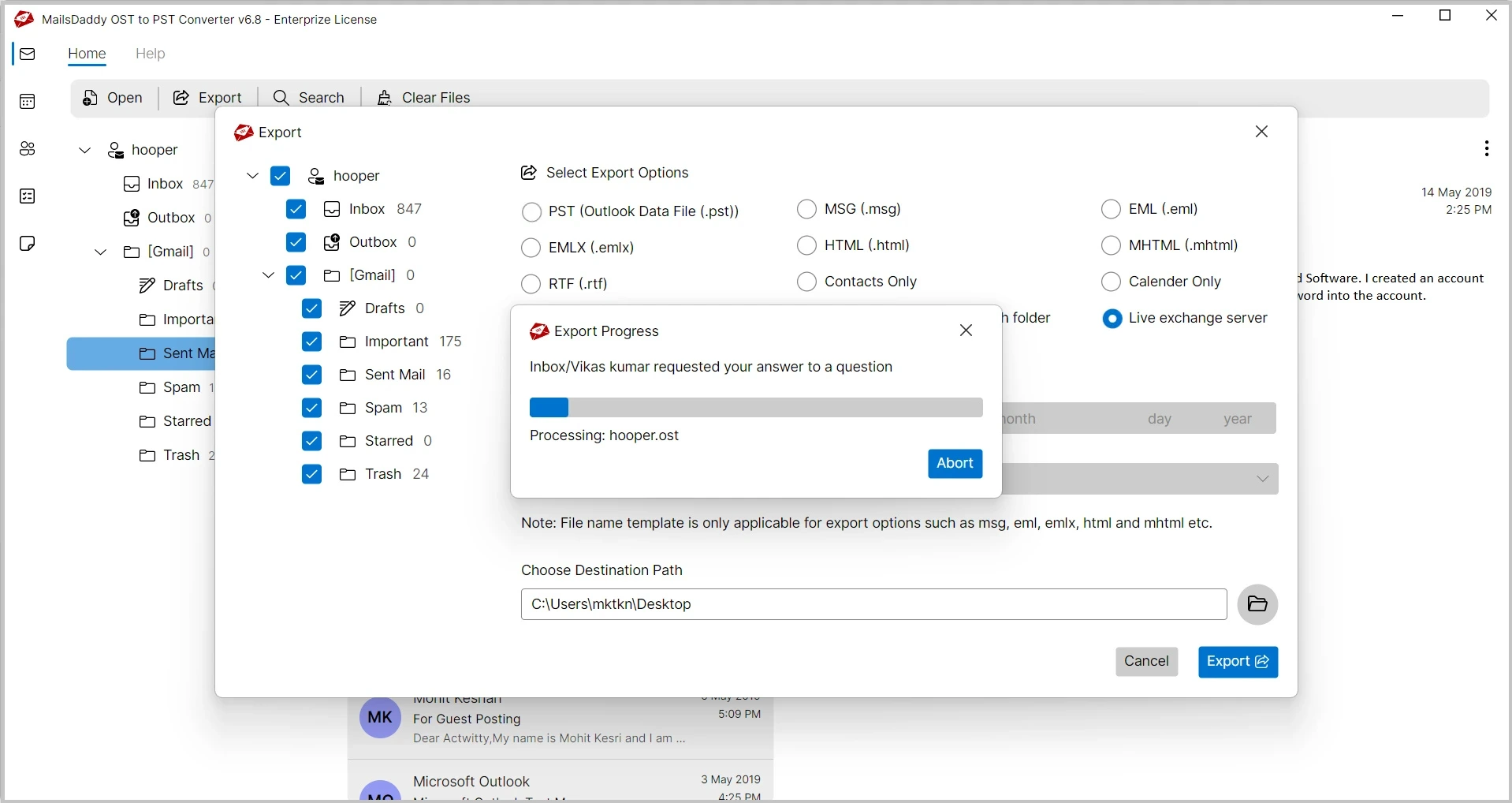
The software directly imports OST mailbox data into Microsoft Exchange Server without converting the OST file into another format first. It establishes a secure connection with the destination Exchange mailbox and transfers mailbox data while maintaining complete mailbox consistency.
Organizations often need to migrate multiple employee mailboxes simultaneously. The software supports batch migration, allowing administrators to upload multiple OST files and migrate them to Exchange Server in a single operation.
During the migration process, the software preserves the complete folder and subfolder structure of the original OST file. Inbox, Sent Items, Drafts, Deleted Items, Archive folders, and custom folders remain organized exactly as they appear in Microsoft Outlook.
With the help of this advance software users can easily convert OST files into PST, EML, MBOX, MSG, RTF, HTML, and other formats. Using this solution users can also save their OST file contacts in .csv and calendar details in .ics format without hassle.
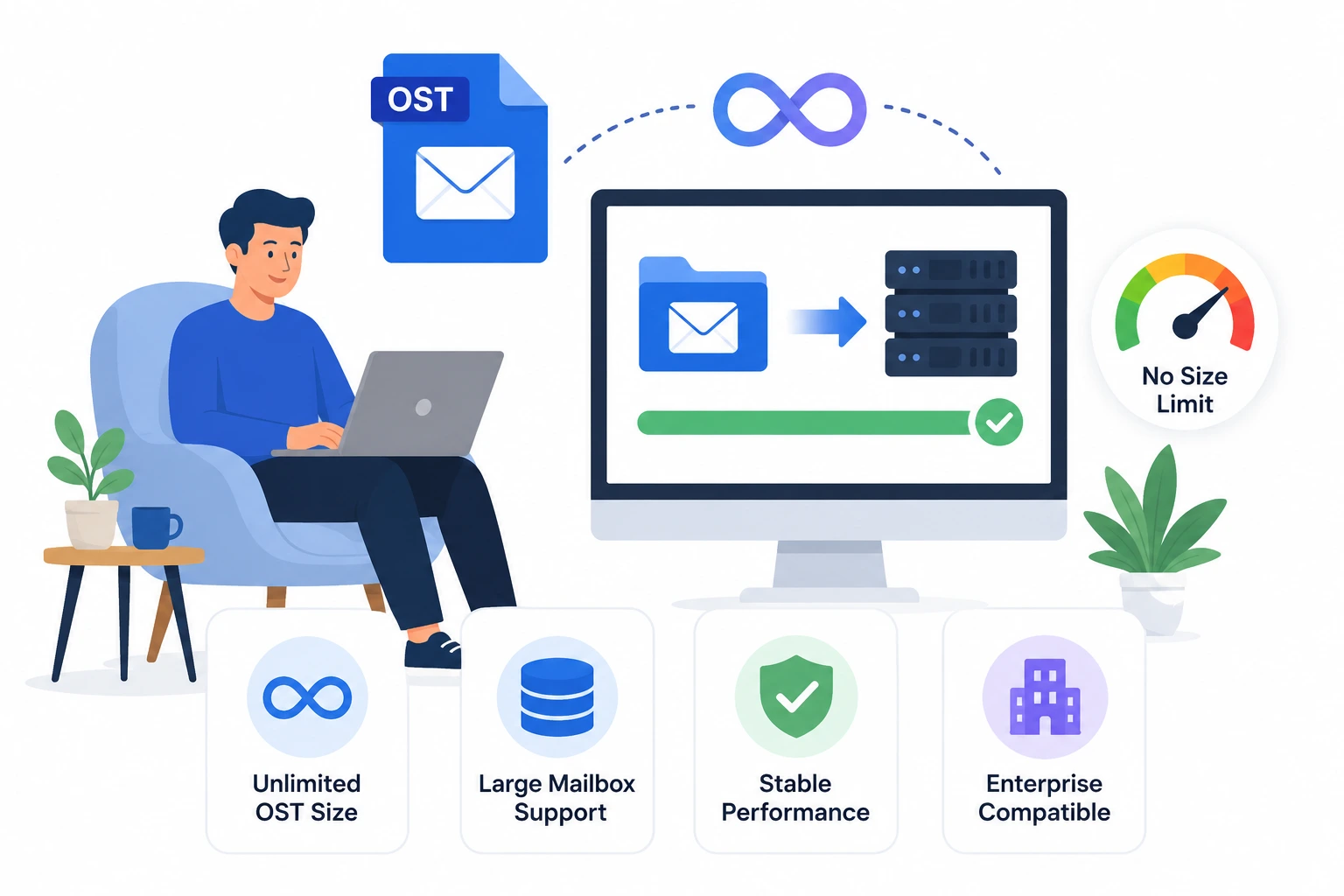
There are no restrictions on the size of the OST file. Whether your mailbox is a few gigabytes or several hundred gigabytes, the software performs a secure migration without splitting or modifying the mailbox database.
Instead of migrating the complete mailbox, users can select specific folders or mailbox items for migration. This feature is useful when only certain folders or business-critical emails need to be transferred to Exchange Server.
The application migrates emails together with all associated attachments, including documents, PDFs, spreadsheets, presentations, images, ZIP files, and embedded files. Attachment integrity is preserved throughout the migration process.

The software preserves all original email properties during OST to Exchange Server migration, including Sender, Recipient, CC, BCC, Subject, Date & Time, Internet Headers, Read/Unread Status, Importance, Inline Images, Rich Text Formatting, and Hyperlinks. Every email is migrated accurately without modifying its content, structure, or metadata.
After completing the OST to Exchange Server migration, the software automatically generates a detailed log report containing the migration start and completion time, source OST file, destination Exchange mailbox, migrated, skipped, and failed items along with error details. This report helps administrators verify migration results and simplifies auditing and troubleshooting.
The MailsDaddy OST to Exchange Server Migration Tool is fully compatible with Windows 11, 10, 8.1, 8, 7, and Windows Server 2022, 2019, 2016, and 2012 R2. It delivers reliable performance across both desktop and server environments, ensuring a smooth and efficient OST to Exchange Server migration experience.
Email: Migrate all emails from OST files to Exchange Server with complete mailbox integrity. The software preserves email formatting, sender and recipient details, subject lines, timestamps, read/unread status, internet headers, and embedded images throughout the migration process.
Attachments: Transfer emails together with all attachments, including PDF files, Word documents, Excel spreadsheets, PowerPoint presentations, ZIP archives, images, and other supported file types. Every attachment remains linked with its respective email after migration.
Folder and Sub-folder: The MailsDaddy OST to Exchange Server Migration Tool transfers all mailbox folders and subfolders from the OST file to the Live Exchange Server while preserving the original folder hierarchy. Commonly migrated folders include:
Contacts: The software migrates complete contact information stored in the OST file, including names, email addresses, company names, phone numbers, addresses, notes, and other contact properties without any modification.
Calendars: Move calendar entries from OST files to Exchange Server while preserving meeting schedules, appointments, reminders, recurring events, locations, organizers, and time zone information.

The Advanced Filter feature allows users to migrate only the required mailbox data from the OST file to the Exchange Server. Users can filter emails based on multiple criteria, reducing migration time and ensuring that only relevant mailbox items are transferred.
After every migration, the software automatically generates a comprehensive log report that includes the migration start and completion time, migrated, skipped, and failed items, along with any error details. This report enables users to verify that all mailbox data has been migrated successfully, providing complete transparency and confidence in the migration process.

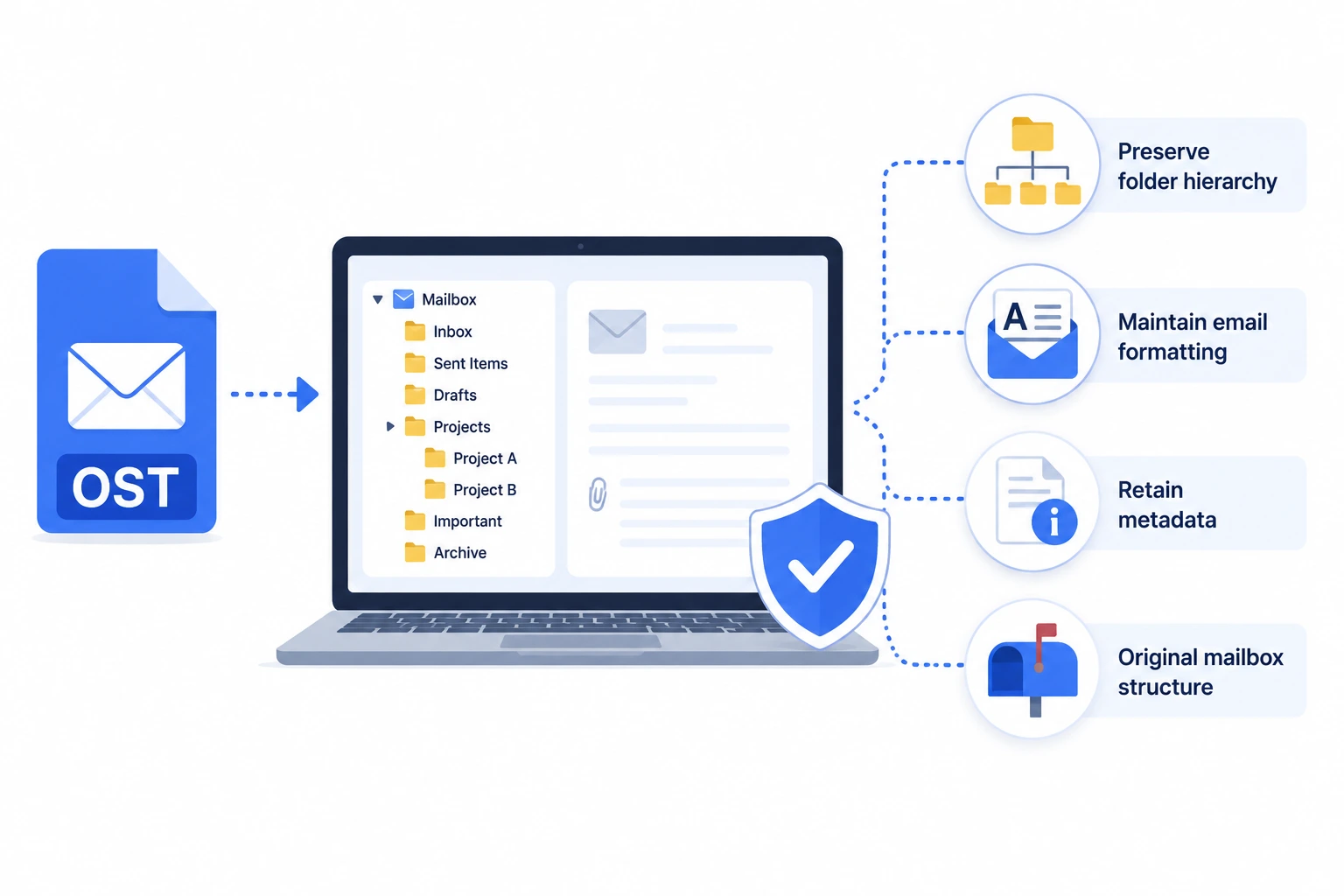
The software maintains the original folder hierarchy, email formatting, metadata, attachments, and mailbox properties throughout the migration process. No mailbox information is altered during transfer.
Whether your OST file is small or several hundred gigabytes in size, the software performs seamless migration without imposing any file size restrictions or affecting performance.
Thousands of home users, IT professionals, and organizations trust the MailsDaddy OST to Exchange Server Migration Tool for secure and accurate mailbox migration. The software is developed with advanced migration technology to ensure every mailbox item is transferred safely while preserving its original structure, formatting, and properties. Here are some experiences shared by our satisfied customers.
The MailsDaddy OST to Exchange Server Migration Tool made our Exchange migration project much easier. It migrated all mailbox folders, emails, contacts, and calendars without changing the original folder structure.The migration completed quickly, and the log report helped us verify every mailbox item successfully.

The interface is clean and easy to understand, even for non-technical users. The preview option, advanced filters, and incremental migration worked exactly as expected. Overall, it is a dependable solution for anyone looking to migrate OST files directly to Exchange Server.

I had several orphaned OST files that needed to be imported into our Exchange Server. This software handled them perfectly without requiring Outlook. The batch migration feature saved a significant amount of time, and every attachment and email property remained intact after migration
Yes, The software supports batch migration, allowing users to migrate multiple OST files to Exchange Server in a single operation.
Yes, all emails are migrated together with their attachments while maintaining formatting, metadata, embedded images, and internet headers.
Yes, it preserves the original mailbox folder and subfolder structure throughout the migration process.
Yes, this aaplication provides selective migration and advanced filtering options, allowing users to migrate only specific folders or mailbox items.
No, the software performs a read-only migration process, ensuring that the original OST file remains unchanged. All mailbox data is transferred to the Exchange Server without altering or deleting the source file.
No, there is not any file site restriction. The software supports the migration of small as well as very large OST files.
No, this solution can process OST files independently and does not require Microsoft Outlook to perform the migration.
Yes, the software is designed for both individual users and enterprise organizations. With features like batch migration, selective migration, and support for large OST files, it is an ideal solution for small businesses as well as large-scale Exchange migration projects.


Need assistance while migrating your OST files? The MailsDaddy Support Team is available 24×7 to help with installation, activation, migration, and technical queries. Our experts provide prompt assistance to ensure a smooth and hassle-free migration experience.