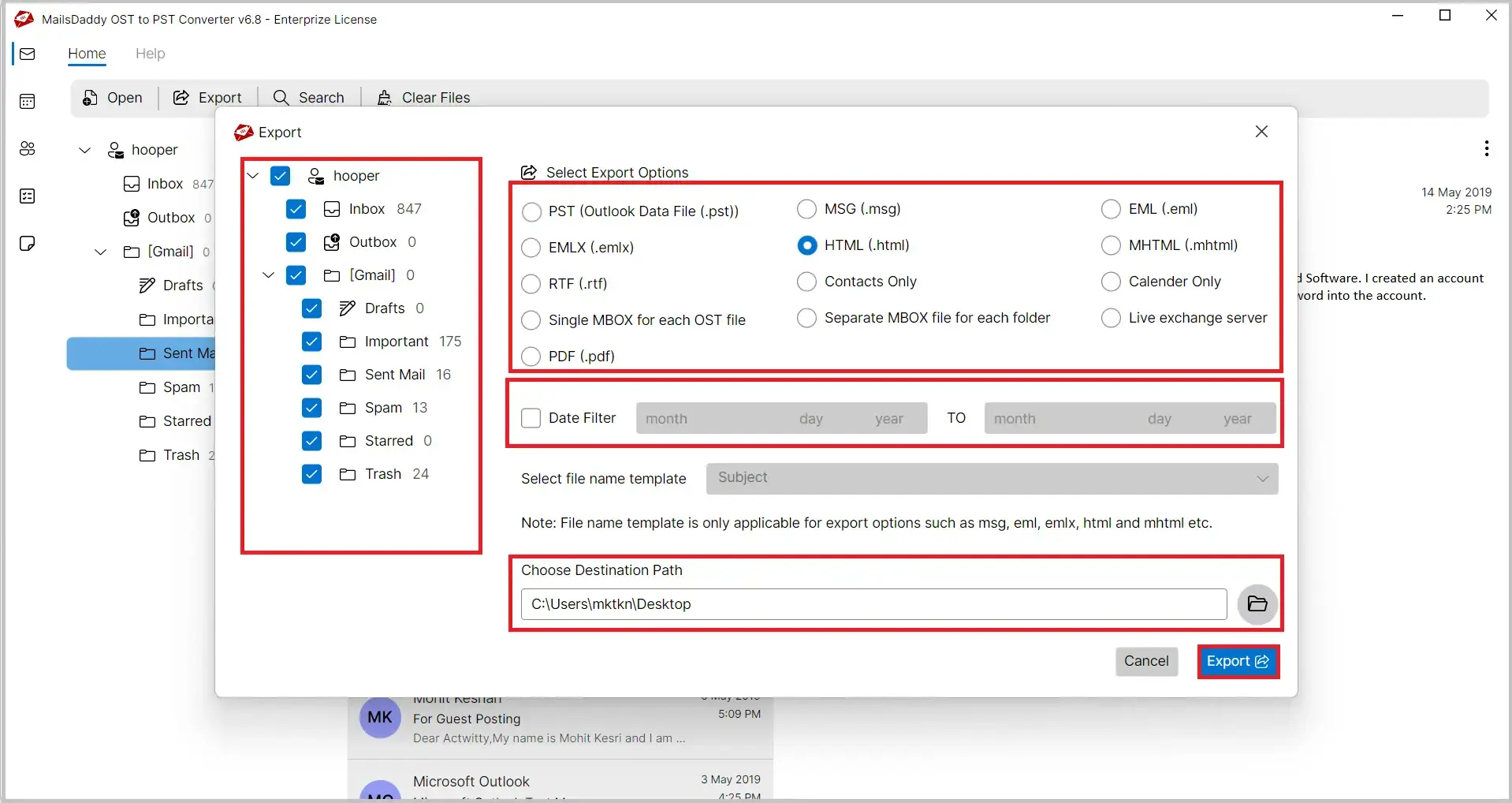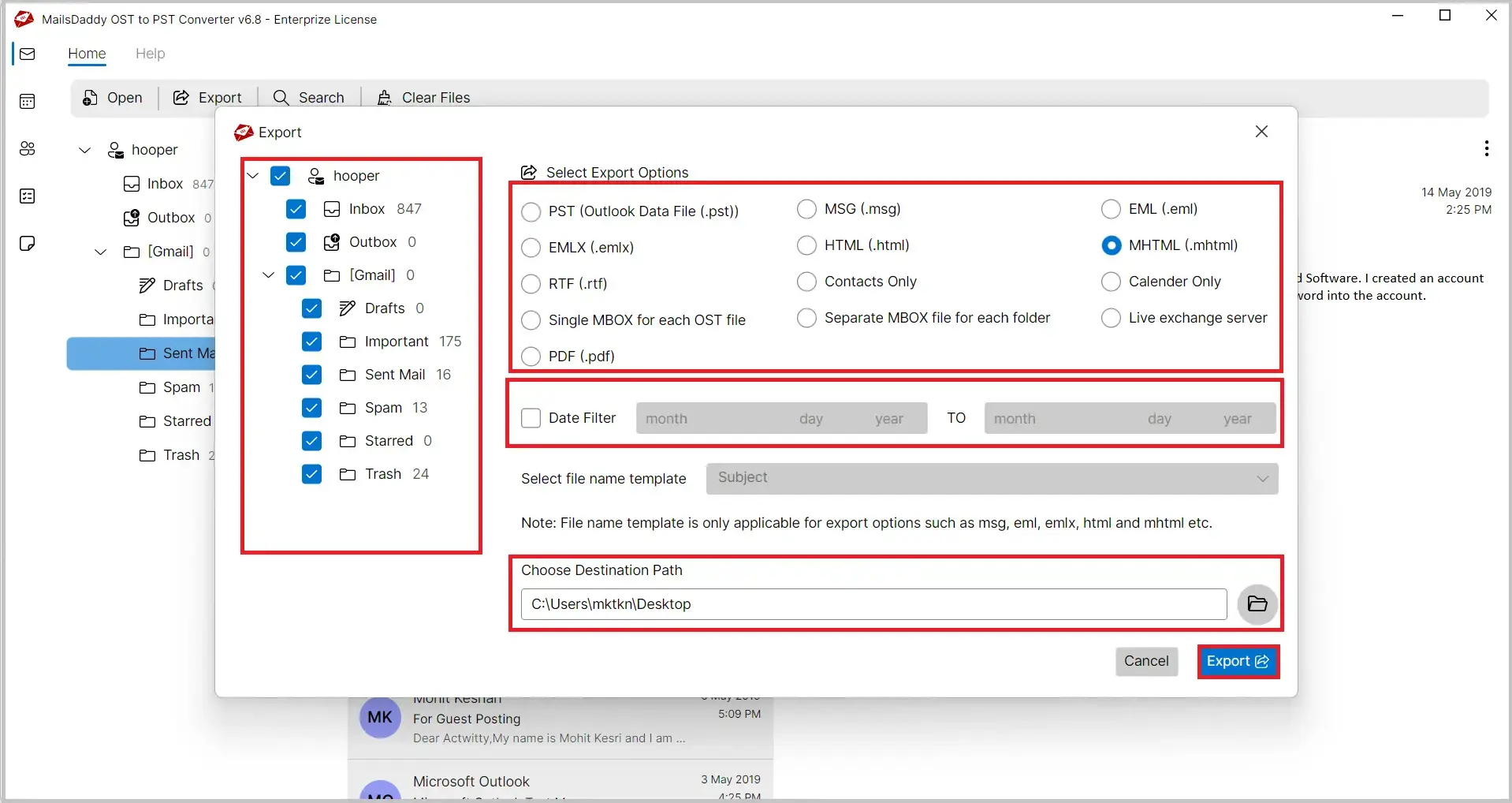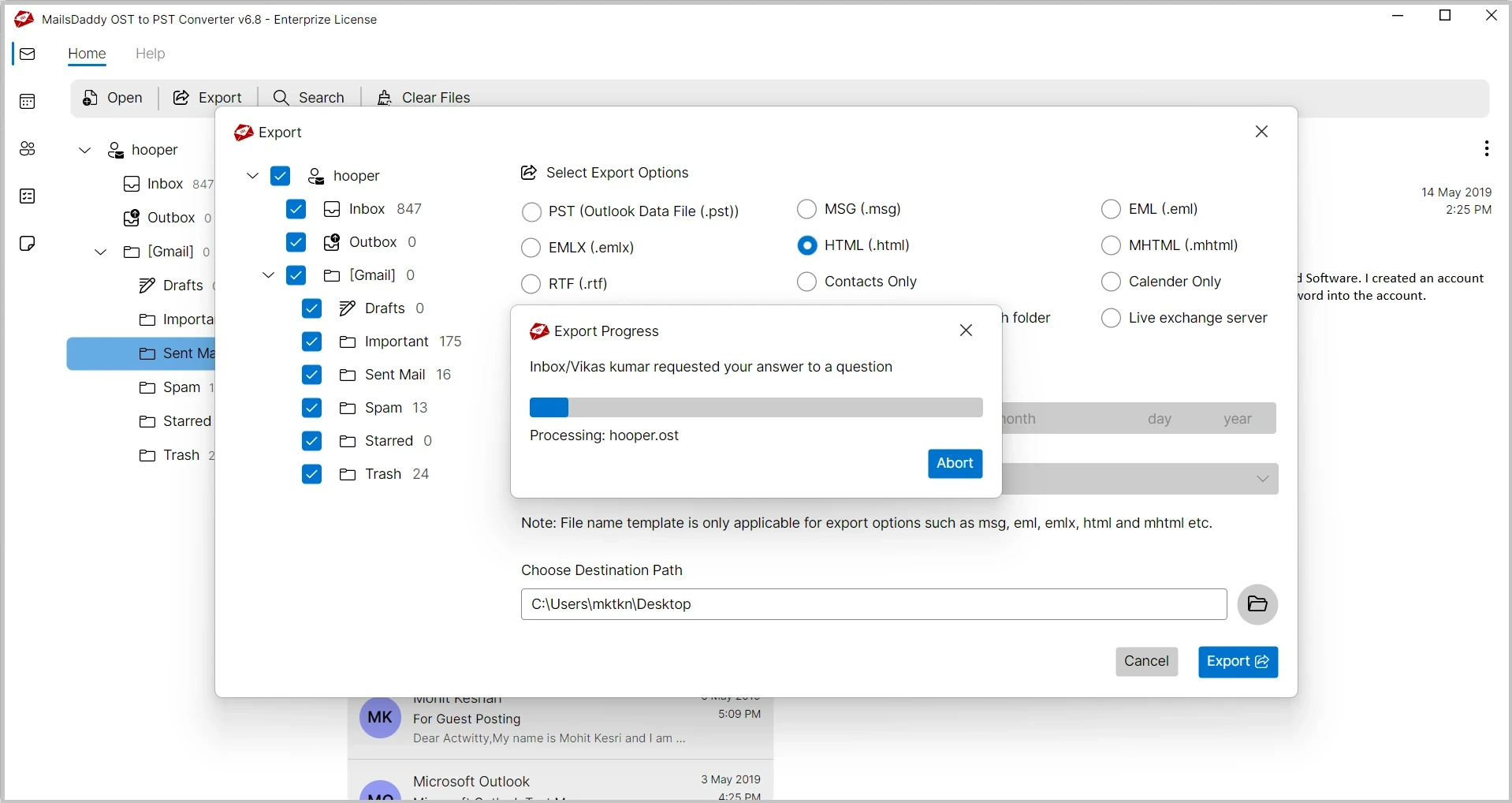
MailsDaddy OST to HTML Converter is a powerful and user-friendly solution designed to convert OST file emails into HTML and MHTML formats with complete accuracy. The software helps users save OST emails, into web-compatible HTML format without requiring Microsoft Outlook installation. Convert OST files to HTML quickly and securely for email archiving, web publishing, and browser-based access.
 See our Reviews on Trustpilot
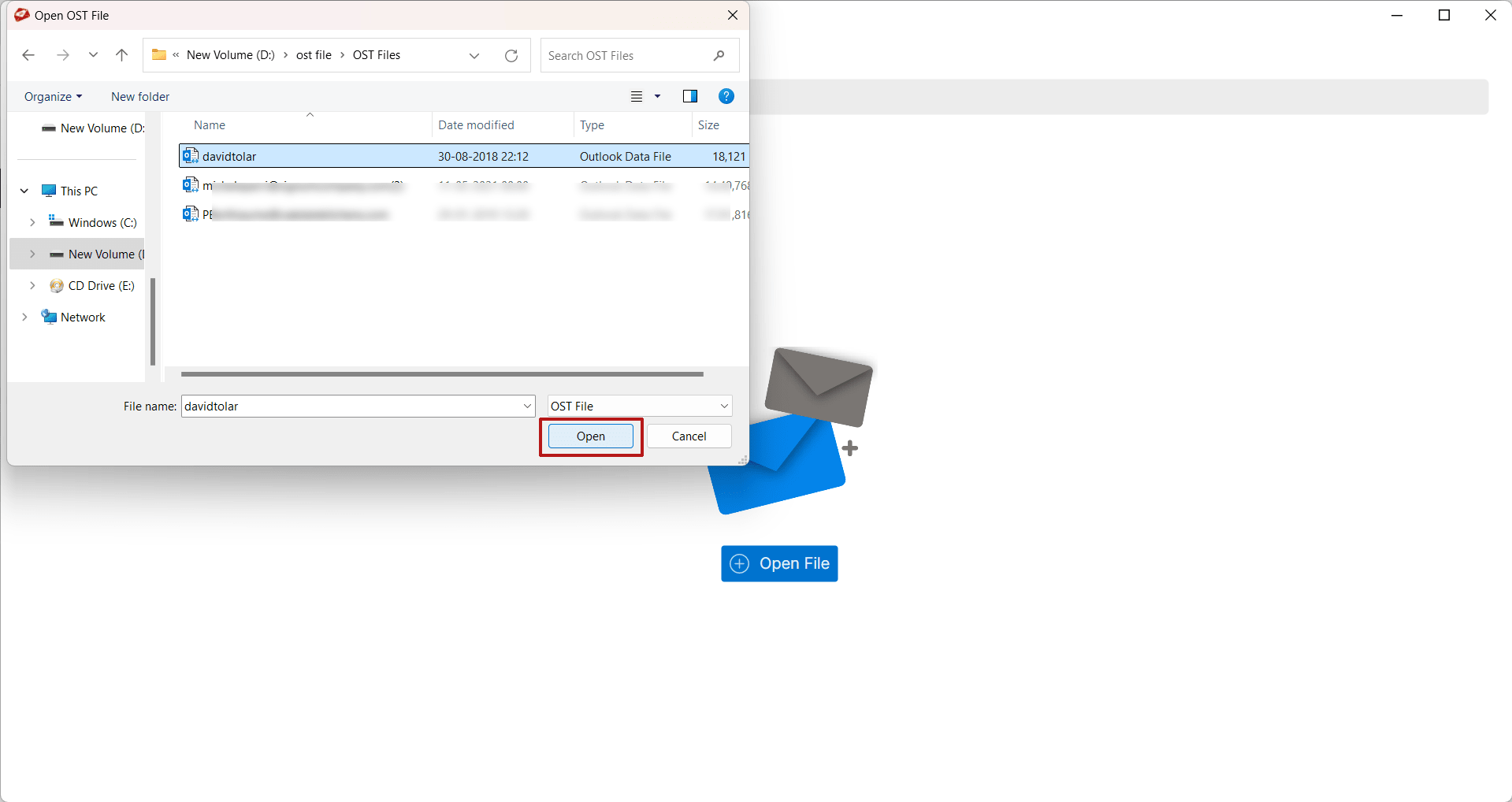
The application quickly scans and loads OST files for preview and conversion. Users can access mailbox data without waiting for lengthy processing. Fast loading improves productivity and overall user experience. Even large files can be accessed efficiently.
The software features a simple and intuitive interface suitable for both technical and non-technical users. Every step of the conversion process is clearly organized. Users can complete the export task without specialized knowledge.
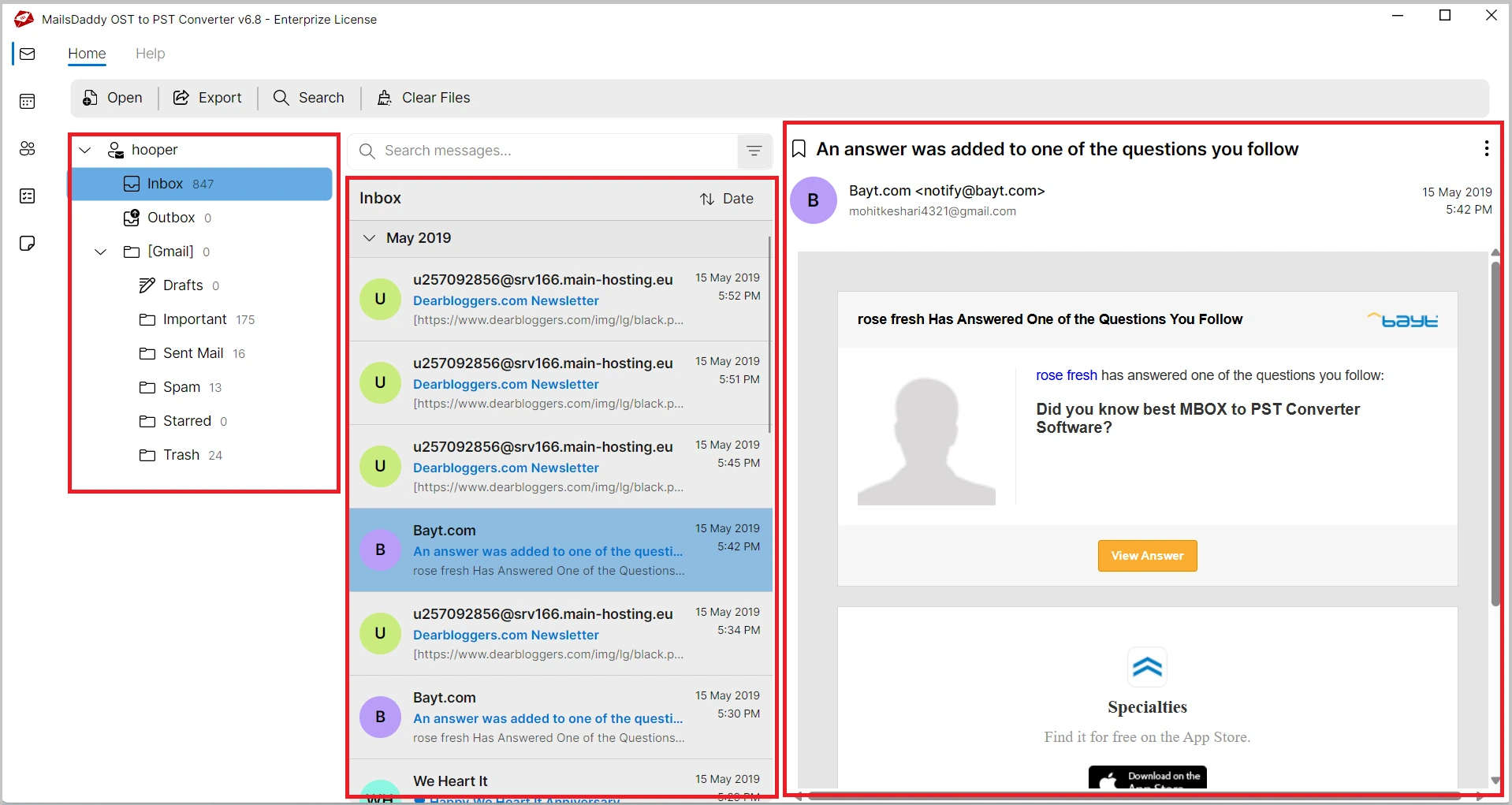
Before converting OST files, the software provides a complete preview of mailbox content. Users can examine emails and verify required data before starting the export process. This minimizes conversion errors and ensures accurate results.
The software efficiently converts OST emails into HTML format that can be opened in any modern web browser. It generates well-structured HTML pages while preserving the original appearance of messages. Users can easily access their Outlook emails without requiring Outlook installation.
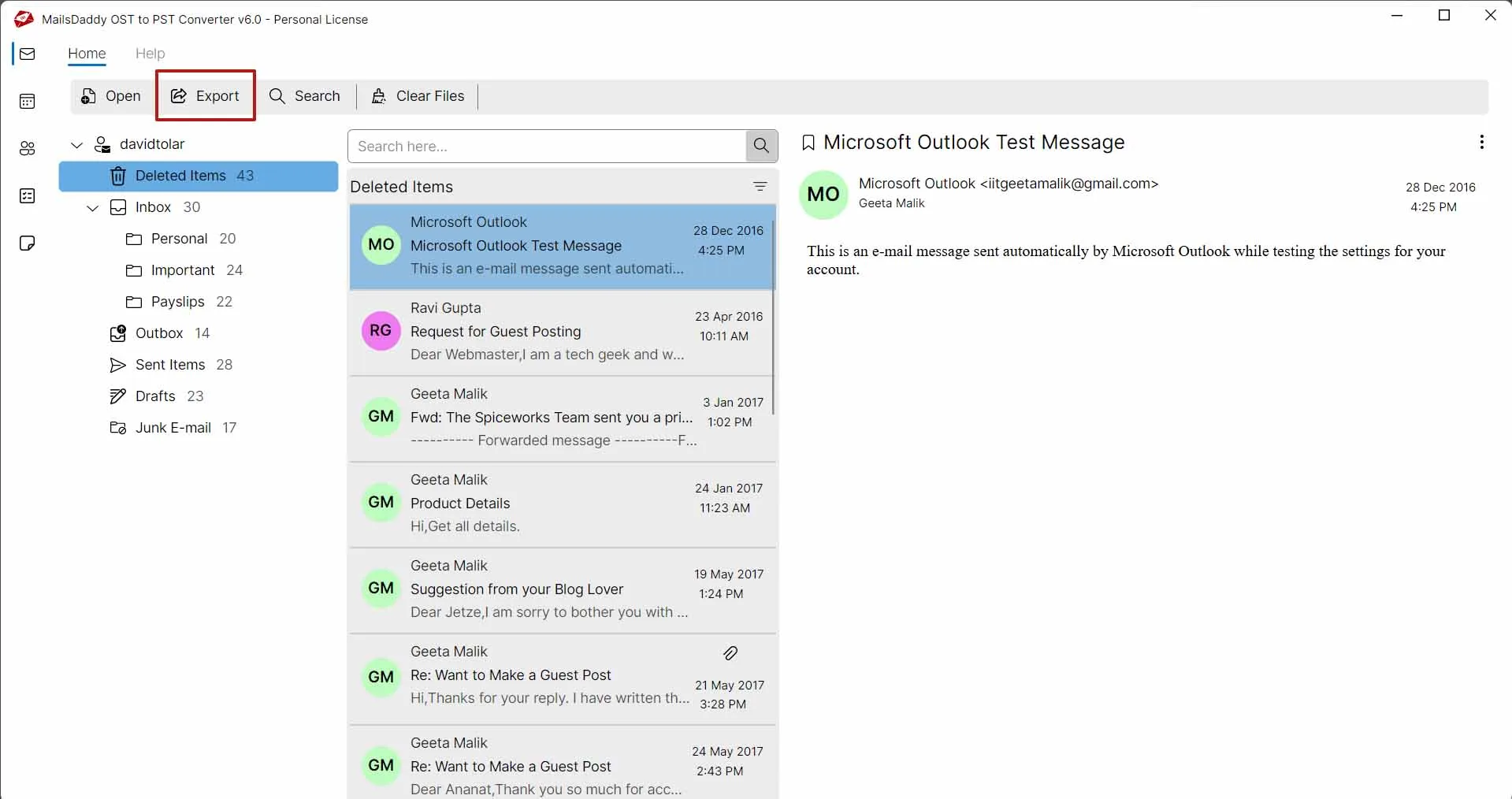
In addition to HTML, it offers multiple export options to meet different user requirements. Using this solution users can convert OST to PST, EML, MSG, MBOX, EMLX, PDF, RTF, and Exchange Server, while also exporting Outlook contacts in VCF format and calendar entries in ICS format.
MailsDaddy OST to MHTML Converter also supports MHTML export for users who need single-file email storage. The MHTML format combines email content and formatting into one file for better portability. It is widely used for long-term email preservation and documentation purposes.
During OST to HTML conversion, the software preserves original email formatting. Fonts, colors, hyperlinks, inline images, tables, and HTML elements remain intact. This ensures that converted emails look identical to the original messages. The feature is useful for legal and compliance requirements.
Users can convert thousands of emails from large OST files in a single operation. The software is designed to handle bulk conversion without affecting performance. This saves considerable time when dealing with enterprise mailboxes. Large-scale email exports become simple and efficient.
The original mailbox folder structure is maintained throughout the export process. Inbox, Sent Items, Drafts, Deleted Items, and custom folders remain organized. Users can easily navigate converted data after export. No folder rearrangement occurs during conversion.

The software allows users to export emails from a specific date range. This feature is useful when creating reports or archiving a particular period of communication. It eliminates unnecessary emails from the output. Users receive focused and organized conversion results.
The utility supports OST files created by various Outlook versions. Users can convert mailbox data from both old and modern Outlook editions. Compatibility issues are minimized during export. This provides flexibility across different environments.
The software runs smoothly on all major Windows operating systems. Users can install and operate it on Windows 11, 10, 8, 7, and Windows Server editions. Compatibility remains consistent across 32-bit and 64-bit platforms. No special configuration is required.
Email: The software converts Outlook OST emails into HTML and MHTML formats while preserving complete message content and formatting. Users can access converted emails through web browsers without Outlook installation. Preserved Email Properties:
Folders: The application exports complete mailbox folder structures along with contained emails. Folder hierarchy remains unchanged after conversion, making it easy to navigate converted data. Supported Folders:

The software uses an advanced scanning engine to analyze OST mailbox data before conversion. It identifies folders, emails, and mailbox components quickly while ensuring data integrity. The scanning process is optimized to handle large mailbox files efficiently and prepare data accurately for HTML or MHTML export.
MailsDaddy OST to HTML Converter includes an advanced search and filtering feature that helps users locate and export only the required emails from large OST files. Instead of converting the entire mailbox, users can apply various criteria to find specific messages quickly. This saves valuable time, reduces output size, and ensures more targeted HTML or MHTML conversion results.


The generated HTML files can be opened directly in popular web browsers without requiring Outlook or Exchange connectivity. This makes email access simple and convenient for users who need browser-based email archives or web-readable records.
The converter retains important email properties throughout the export process. Metadata preservation helps maintain the authenticity and integrity of email communications after conversion to HTML or MHTML format.

Thousands of users trust MailsDaddy OST to HTML Converter because of its simple interface, accurate results, and smooth OST to HTML conversion process. The software has earned positive feedback from satisfied customers worldwide for its reliability and performance. Read what our users say about their experience from here.
I needed to convert several Outlook OST files into HTML format for documentation purposes. The software preserved email formatting perfectly and completed the conversion much faster than expected. The entire process was smooth and hassle-free.

MailsDaddy OST to HTML Converter helped me export thousands of emails without any data loss. The folder structure remained intact, and the generated HTML files opened flawlessly in my browser. I am extremely satisfied with the results.

I was looking for a reliable solution to convert an orphaned OST file into MHTML. This tool successfully exported all emails while maintaining metadata and formatting. Its simple interface made the task easy even for a non-technical user.
Yes, MailsDaddy OST to HTML Converter works independently and does not require Microsoft Outlook installation for converting OST files into HTML or MHTML formats.
Yes, the tool can open and convert orphaned, inaccessible, offline, and healthy OST files without needing the original Exchange account.
Yes, apart from HTML conversion, the software also allows exporting Outlook OST emails into MHTML format for easy archiving and sharing.
Yes, the application maintains original email formatting, including fonts, hyperlinks, inline images, email headers, and message layouts.
Yes, the software provides selective conversion options that allow users to export specific emails or folders instead of the entire mailbox.
No, MailsDaddy OST to HTML Converter supports small as well as large OST files without imposing any file size restrictions.
Yes, all mailbox folders and subfolders are preserved throughout the conversion process, ensuring easy navigation of exported data.
Yes, the software includes a preview feature that lets users examine mailbox content before starting the conversion process.


At MailsDaddy, customer satisfaction is our highest priority. Our technical support team is available to assist users during installation, activation, and conversion processes. Whether you have a technical query or need guidance regarding OST to html conversion, our experts are ready to help.