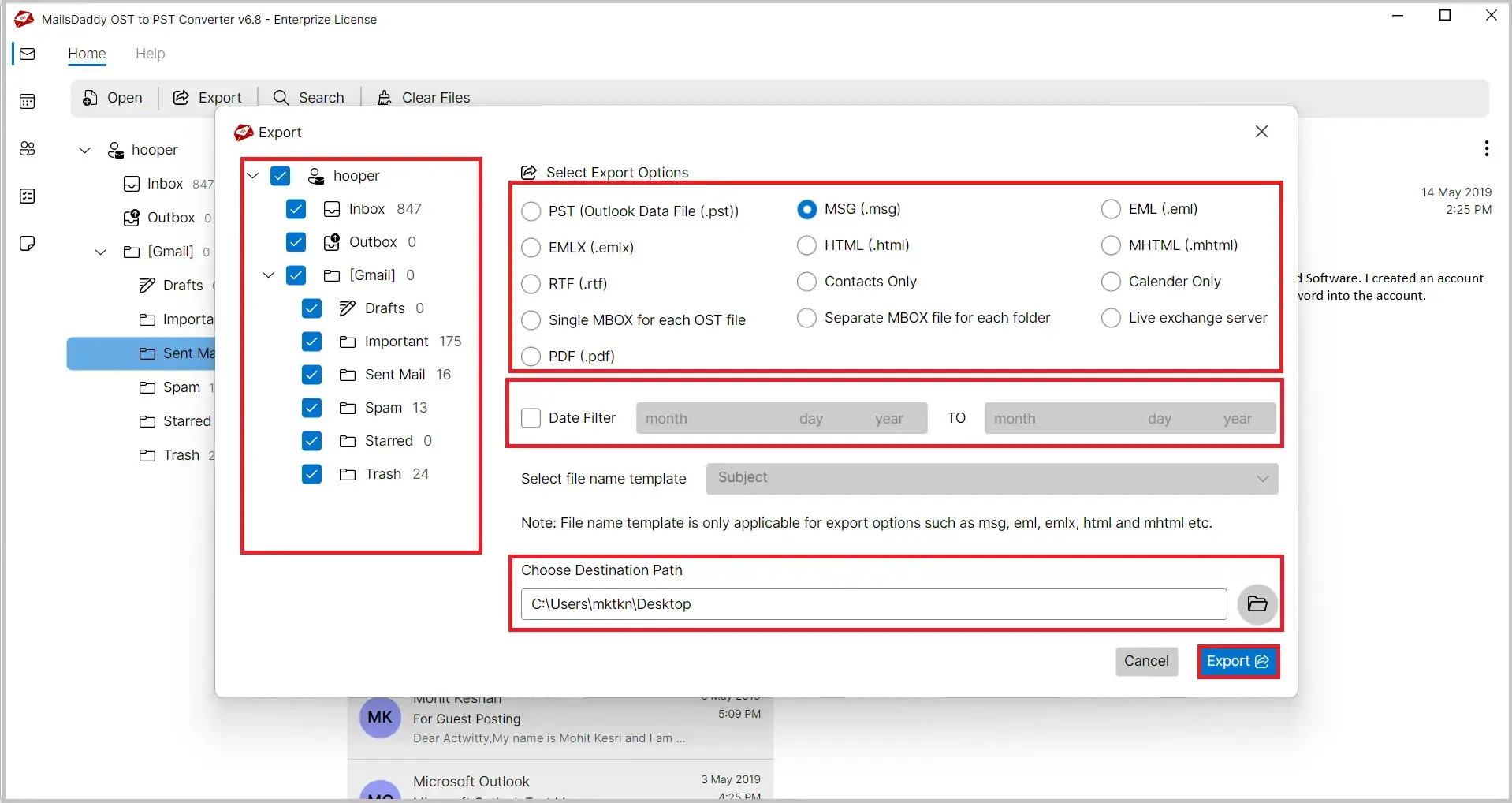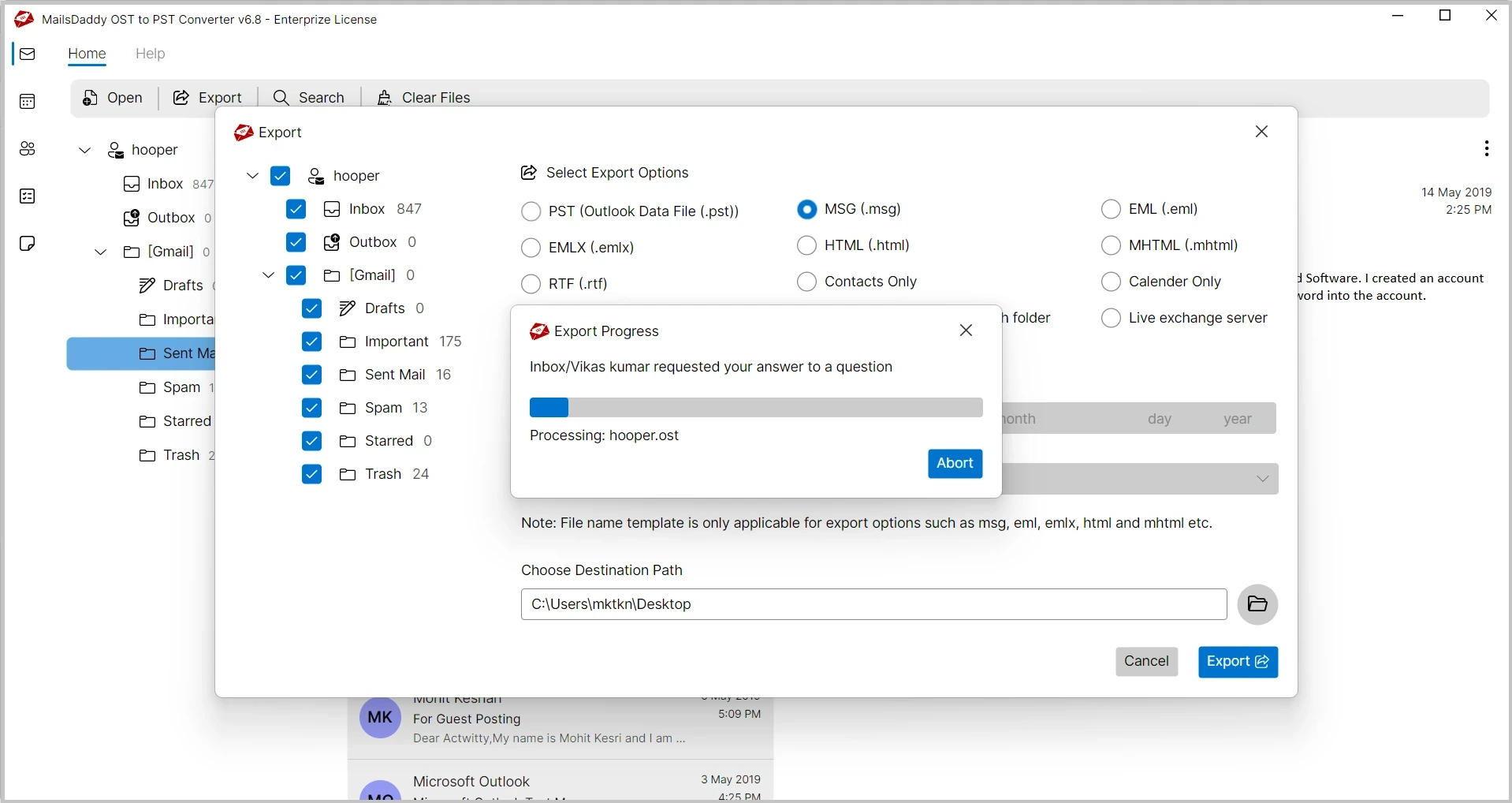
OST to MSG Converter is an advanced and reliable solution designed to convert OST to MSG files with complete precision. Whether you have an orphaned OST file, inaccessible mailbox, or large Outlook data file, this OST file conversion tool helps you save OST emails as MSG files effortlessly. Users can export single or multiple OST mailboxes in one go without changing the original data structure.
 See our Reviews on Trustpilot
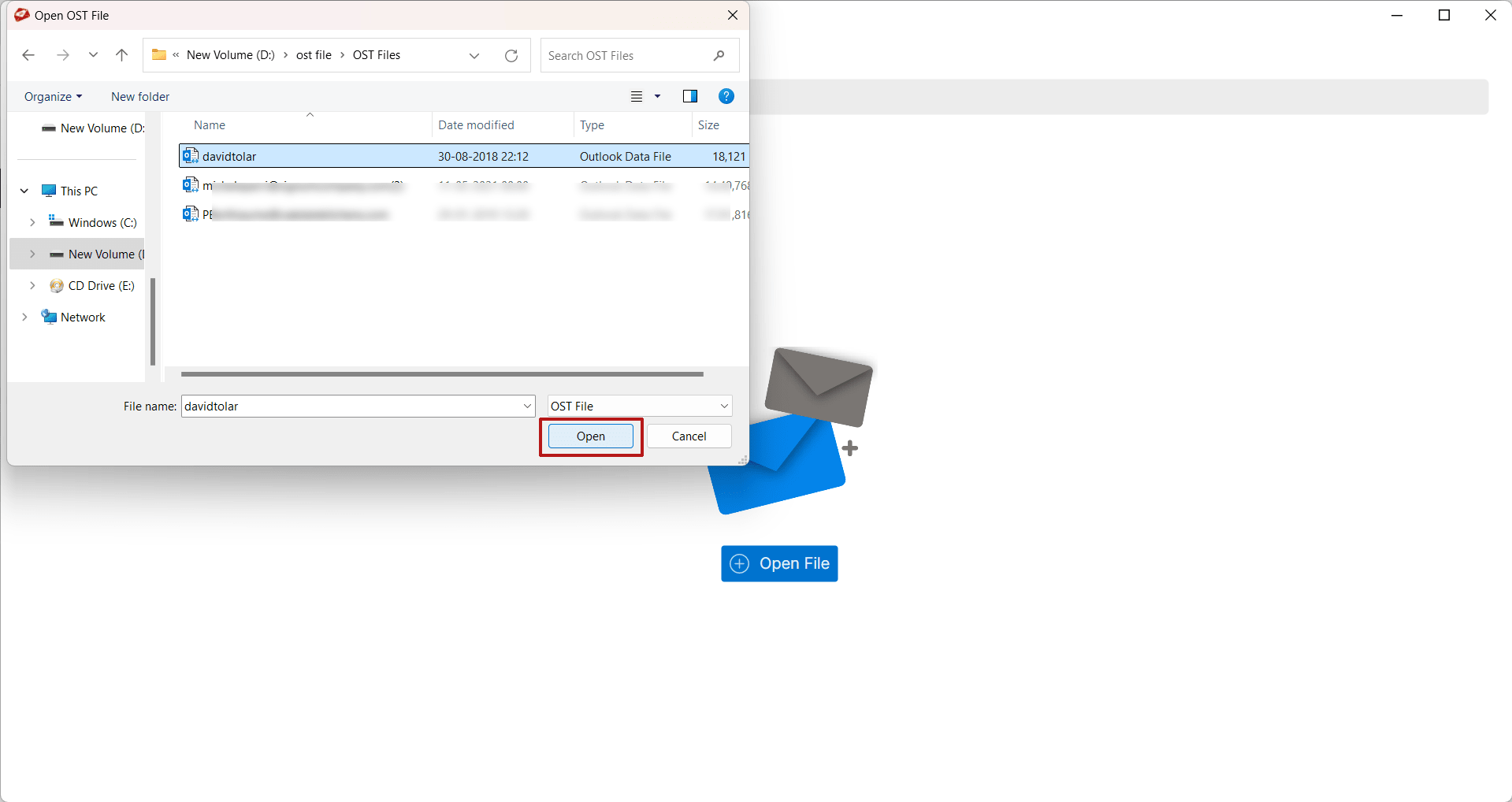
The software provides multiple options to add OST files into the application. Users can browse the OST file manually or automatically search OST files from the configured Outlook profile.
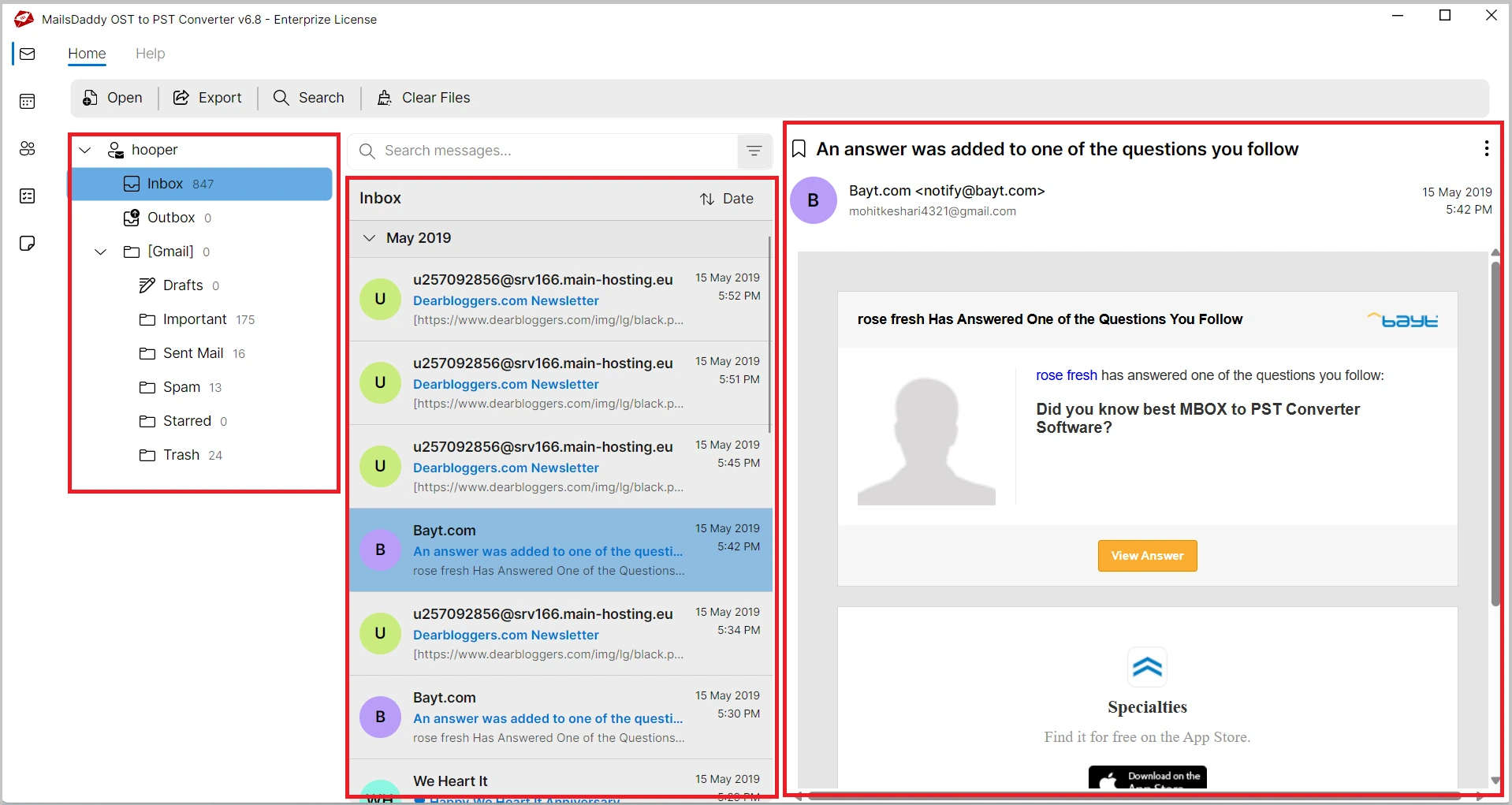
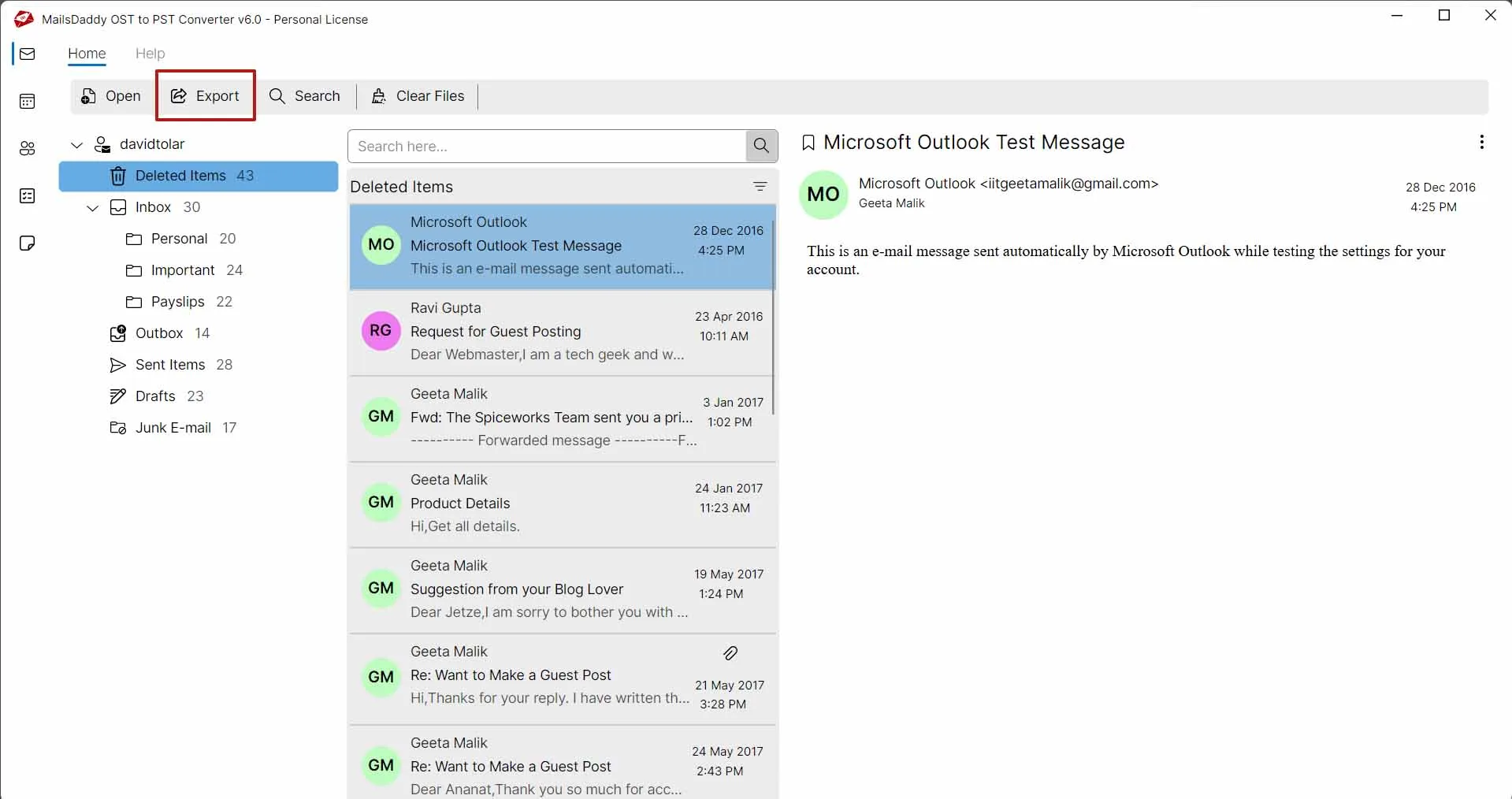
It provides a complete preview of mailbox folders and their contents before conversion. Users can view emails, contacts, calendars, tasks, notes, journals, and attachments to verify all data accurately prior to exporting.
MailsDaddy OST to MSG Converter supports batch conversion to export multiple OST mailbox items at once. Users can convert thousands of OST emails to MSG format in a single operation quickly and efficiently.
Besides MSG, the tool converts OST files to PST, EML, MBOX, PDF, RTF, HTML, and Exchange Server. It also exports Outlook contacts in VCF format and saves calendar entries in ICS format.
One of the major advantages of MailsDaddy OST to MSG Converter is its ability to open and convert corrupted and inaccessible OST files. The software scans mailbox items and extracts accessible data into MSG format.
With this advanced solution users can easily find out specific messages and export them into MSG, and other given options. It offers different meta searching options to find spacific emails and export them into MSG.
During OST to MSG conversion, the software keeps: Original folder & subfolder hierarchy, email grouping, and mailbox organization. All exported MSG files are saved exactly according to the source OST mailbox structure.
There is no any file size restictions so users can export unlimited OST mailbox data to MSG files without worrying about mailbox size. This well programmed solution performs smooth and secure OST to MSG conversion without affecting performance.
This tool maintains all email properties during conversion, including To, From, Subject, CC, BCC, attachments, inline images, internet headers, and read/unread status, ensuring the exported MSG files are exactly the same as the original Outlook.

The software generates a detailed log report after the conversion process. Users can easily review the export status, including successfully converted items and other conversion details for better tracking and verification.
MailsDaddy OST to MSG Converter allows users to export emails from a specific date range using advanced date filters. Simply set the start and end dates to convert only the required OST emails to MSG format quickly and accurately.
This solution supports all major Windows operating systems, including Windows 11, 10, 8.1, 8, 7, Vista, XP, and Windows Server editions. The software runs smoothly on both 32-bit and 64-bit environments without any compatibility issues.
Email: - Emails are the most valuable part of any Outlook mailbox, containing important communication details and essential metadata. MailsDaddy OST to MSG Converter accurately exports OST emails to MSG format while preserving every email property, including:
The software ensures 100% data accuracy during OST to MSG conversion, preserving the original email structure, formatting, and metadata without any alteration.
Attachments: Attachments are an important part of email communication and may include different types of files, such as:
MailsDaddy OST to MSG Converter accurately exports OST emails along with all their attachments while maintaining the original file structure and properties. Users can also choose to save emails either with attachments or without attachments, according to their specific requirements.
Folders -Folders are essential for organizing emails and managing mailbox data efficiently. An OST file may contain various default and custom folders, such as:
The software exports complete mailbox folders from OST files to MSG format while preserving the original folder hierarchy and subfolder structure. The software maintains the same mailbox organization throughout the conversion process, ensuring that all emails remain properly arranged and easily accessible after export.
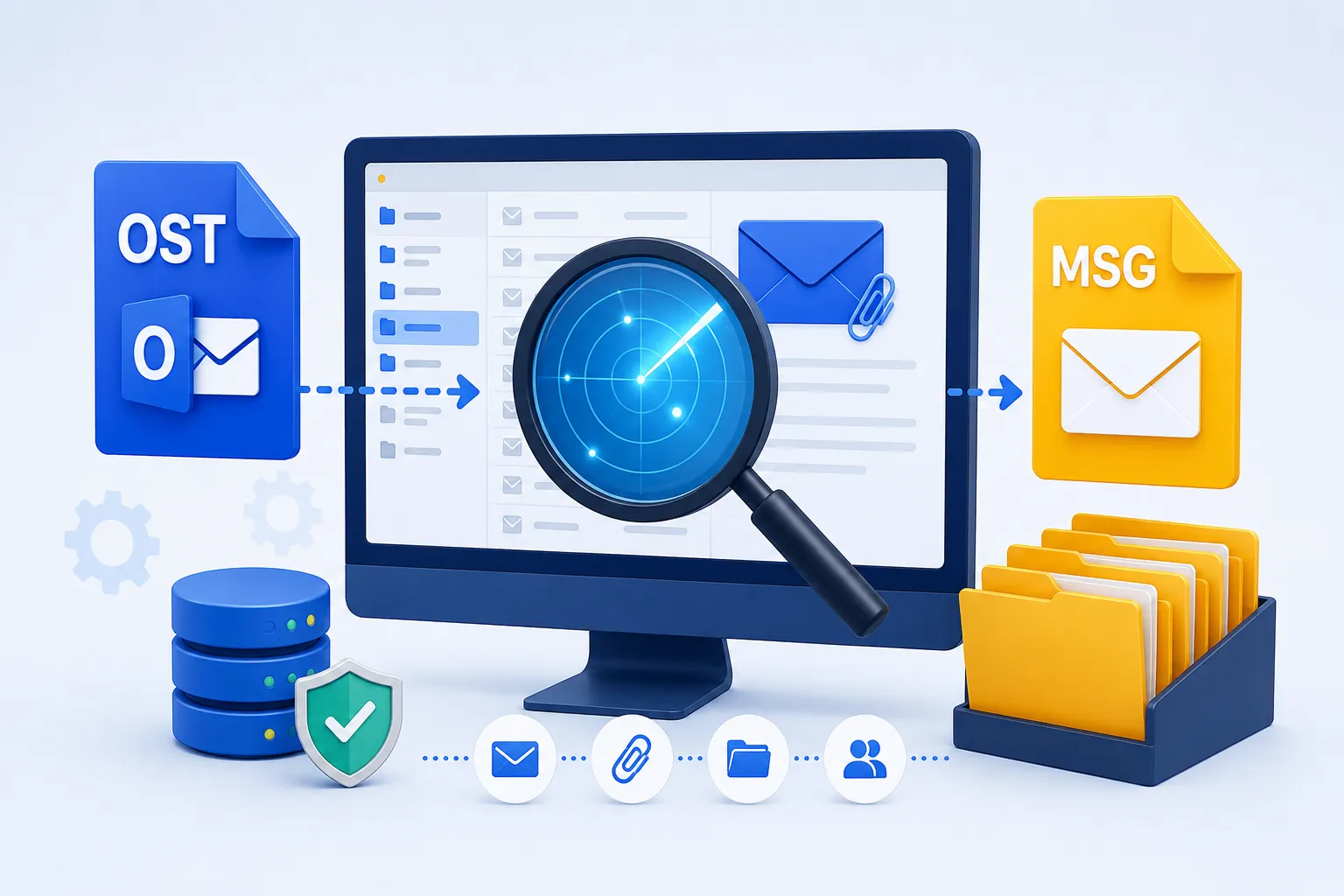
MailsDaddy OST to MSG Converter is built with an intelligent scanning engine that thoroughly scans OST files and extracts all mailbox components with complete accuracy. Whether your OST file is healthy, inaccessible, orphaned, or partially corrupted, the software automatically analyzes the mailbox structure and prepares the data for conversion. The scanning process ensures that all emails, attachments, and folder structures remain intact throughout the OST to MSG conversion process.
The software comes with an advanced search facility that allows users to locate important emails before exporting them. After filtering, users can directly export the selected emails into MSG format. Available search filters include:

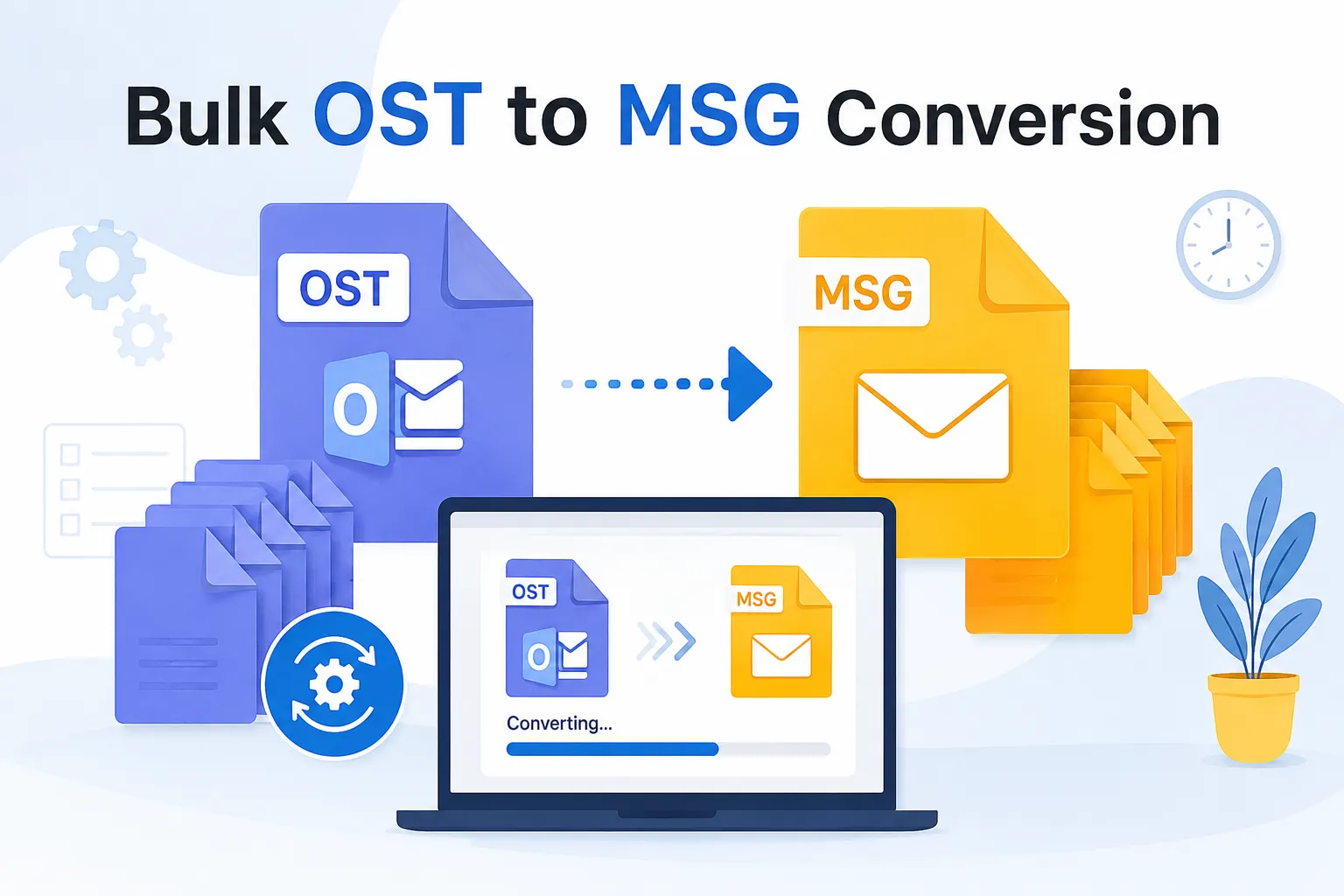
For users dealing with large mailboxes, the software offers a powerful batch conversion option. The bulk conversion option significantly reduces processing time and makes mailbox migration easier.
MailsDaddy OST to MSG Converter is designed to work seamlessly with all major versions of Microsoft Outlook and Windows operating systems. Whether your OST file is created in an older Outlook edition or the latest version, the software can easily open, scan, and convert it to MSG format without compatibility issues.

Thousands of users trust MailsDaddy OST to MSG Converter because of its simple interface, accurate results, and smooth OST to MSG conversion process. The software has earned positive feedback from satisfied customers worldwide for its reliability and performance. Read what our users say about their experience from here.
MailsDaddy OST to MSG Converter helped me export thousands of Outlook emails into MSG format effortlessly. The software maintained all attachments and folder structures perfectly.

I was able to convert my orphaned OST file without any issues. The preview feature and selective export options were extremely helpful.

The software is simple, fast, and reliable. It exported all my OST emails to MSG while preserving complete email properties.
MailsDaddy OST to MSG Converter is a professional tool that helps users convert OST to MSG files while preserving attachments, metadata, and folder hierarchy.
Yes, all attachments are exported along with emails without any modifications.
Yes, users can export selected emails, folders, or the complete mailbox.
No, the software supports unlimited OST file sizes.
No, Outlook installation is not required to convert OST to MSG files.
Yes, the demo version exports the first 20 emails per folder for evaluation purposes.
Yes, use the date filter option to easily export the sapecific date emails to MSG file format.
Yes, users can install this advanced software on all Windows OS supported systems.


At MailsDaddy, customer satisfaction is our highest priority. Our technical support team is available to assist users during installation, activation, and conversion processes. Whether you have a technical query or need guidance regarding OST to MSG conversion, our experts are ready to help.